

Smart Reputation Management: Request a Review (SMS)
Jul 09, 2025●
1
Navigate and log into https://app.smartreputationsystem.com/
2
Click this icon
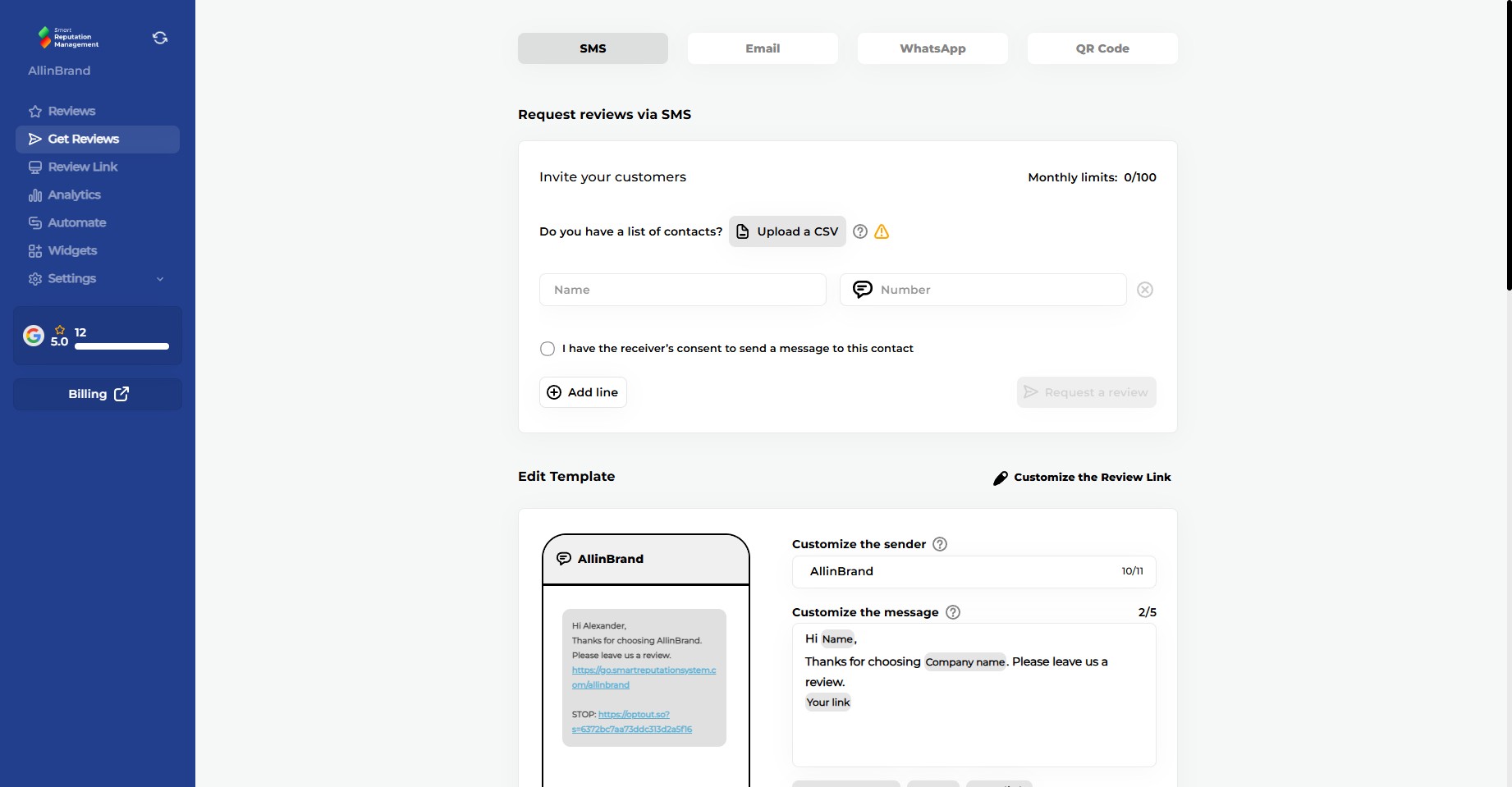
3
Click here and enter the customer's Name
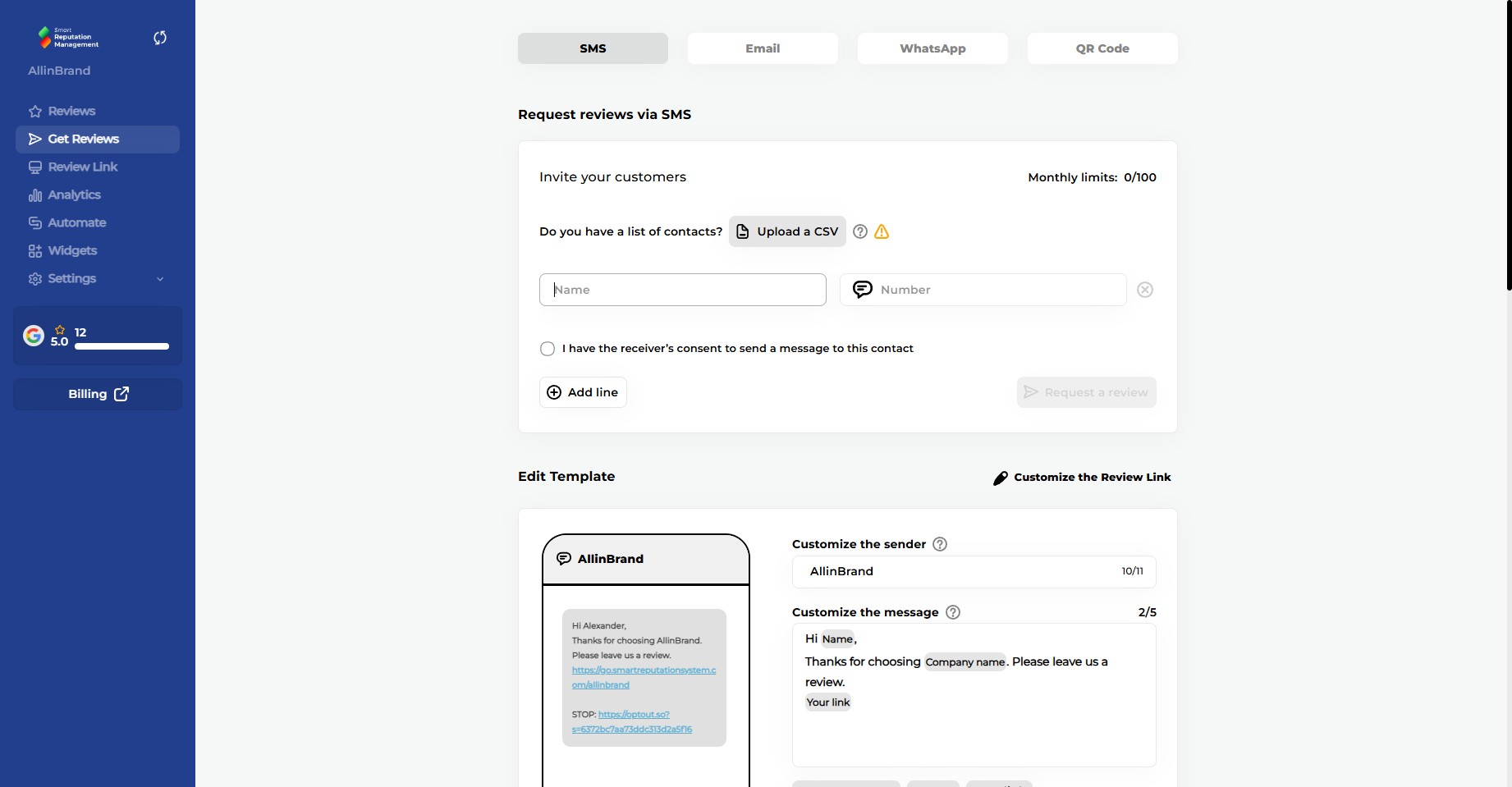
4
Click here and enter the customer's Phone Number
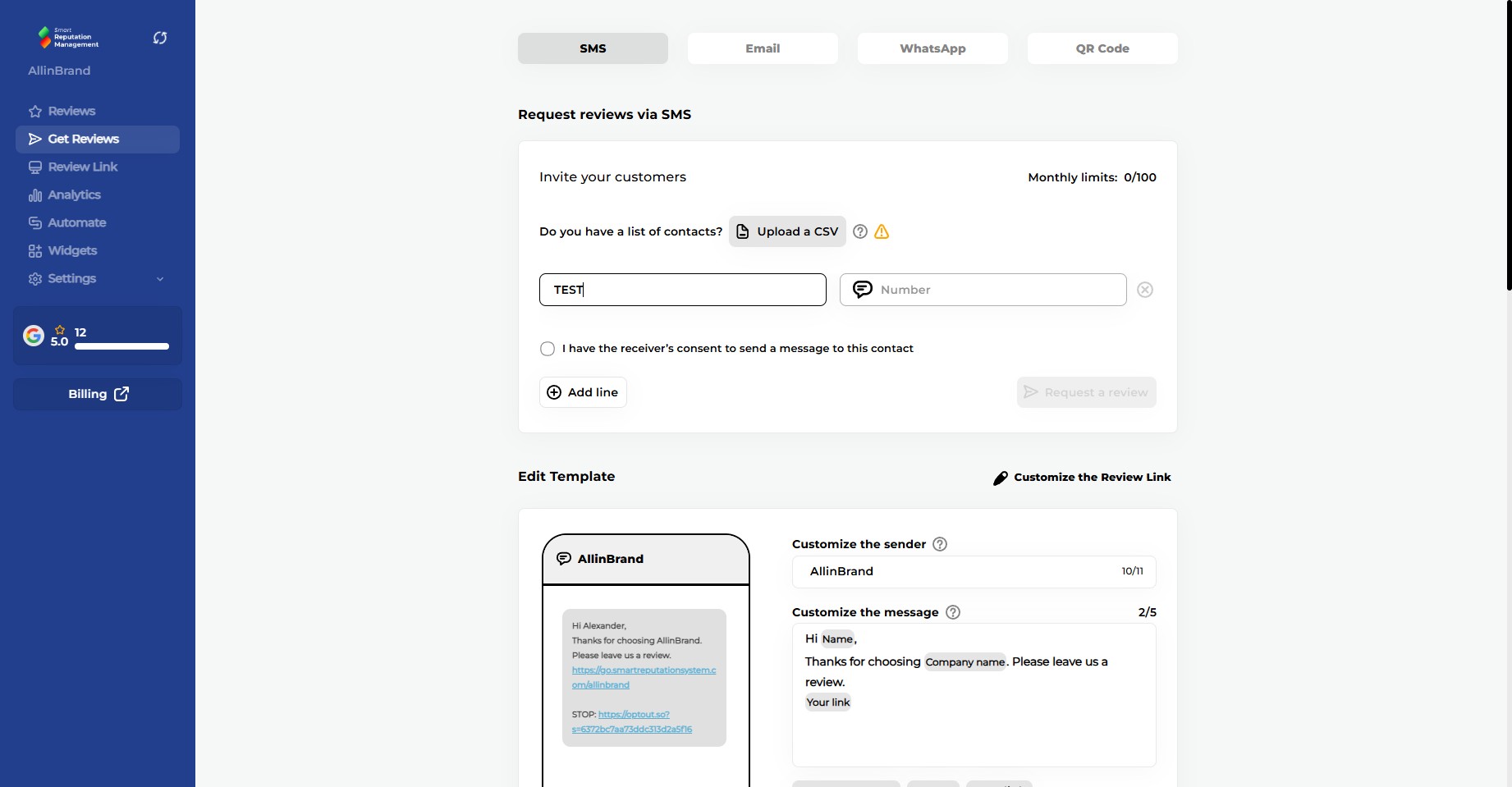
5
Click here to confirm that you have the customer's consent to send SMS communications
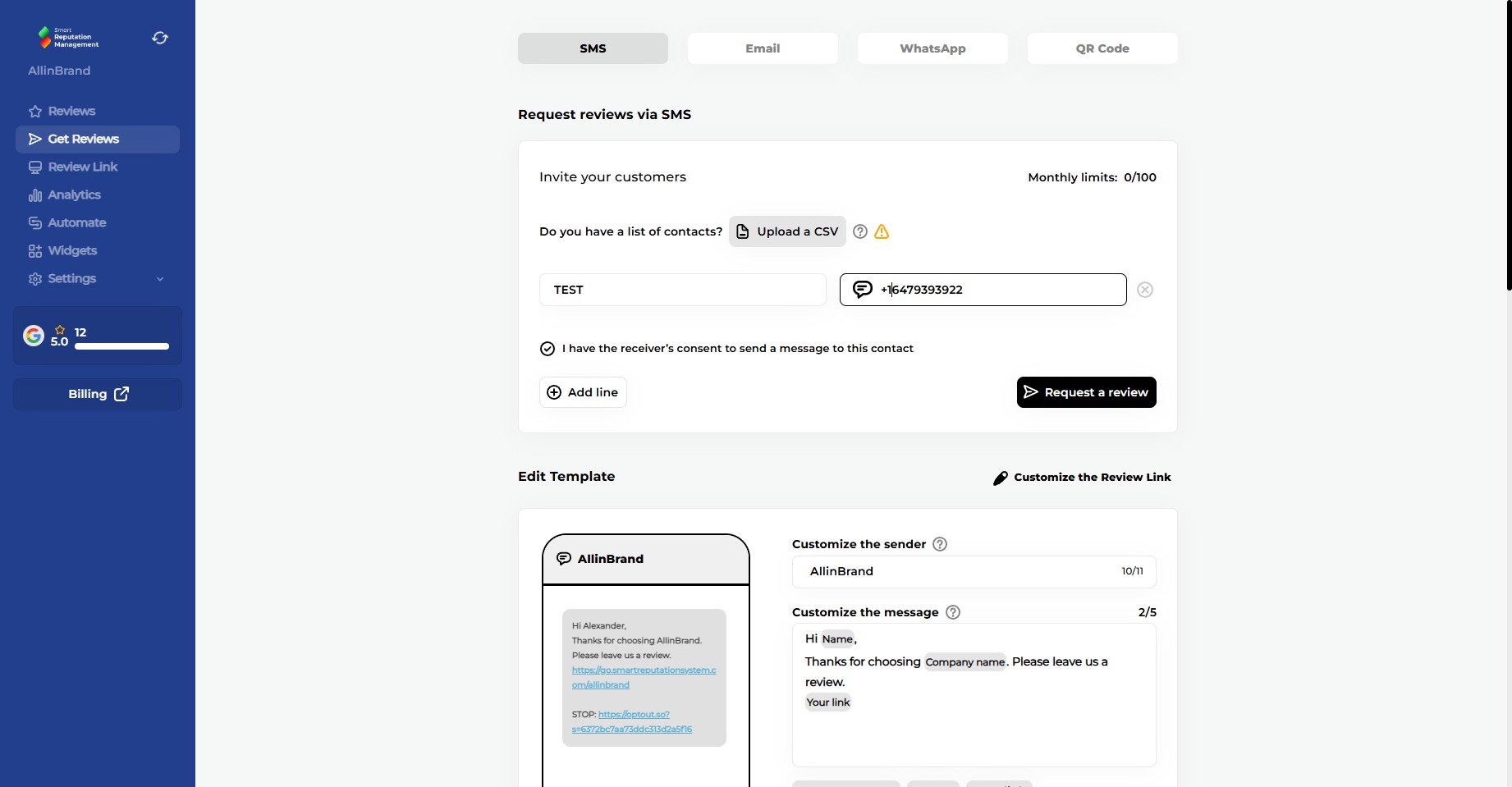
6
Click on "Request a review"
7
Done 🚀 A review request has now been sent to the customer via SMS