CEN Rewards: How to Extend your Plan
Nov 05, 2024●
1
Navigate and Log into to https://rewards.clientengagenow.com/
2
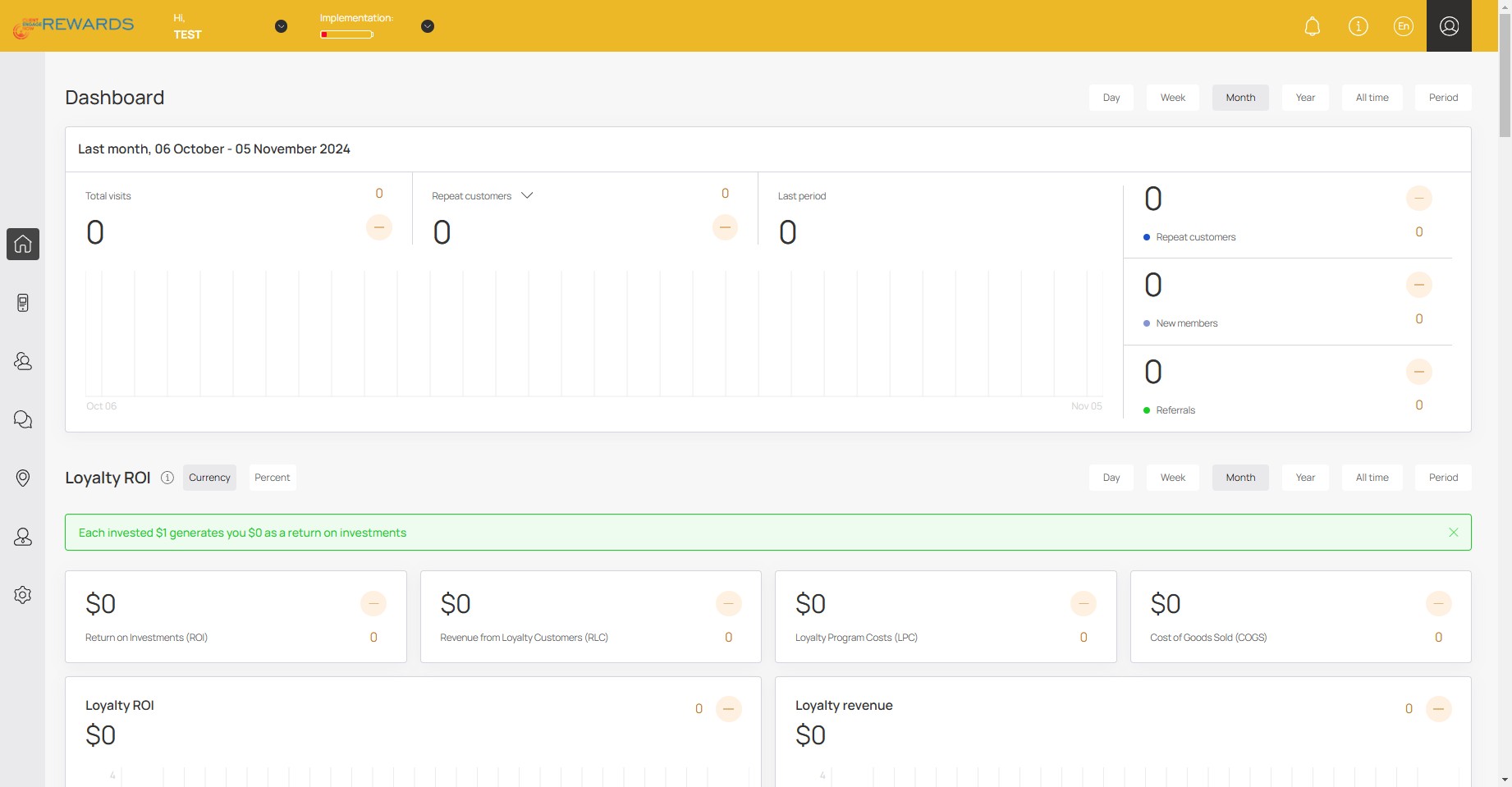
Click your profile icon
3
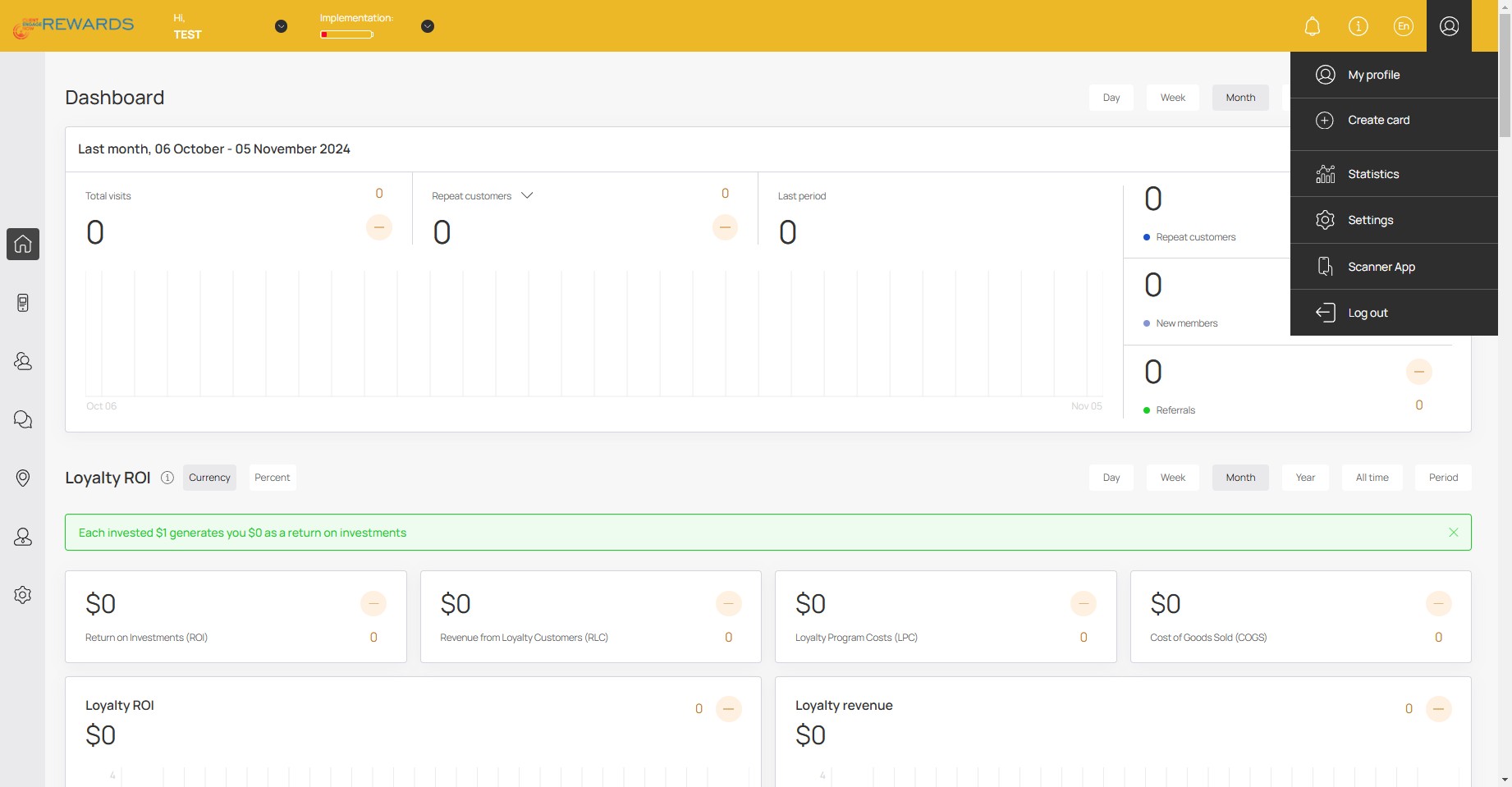
Click the settings icon
4
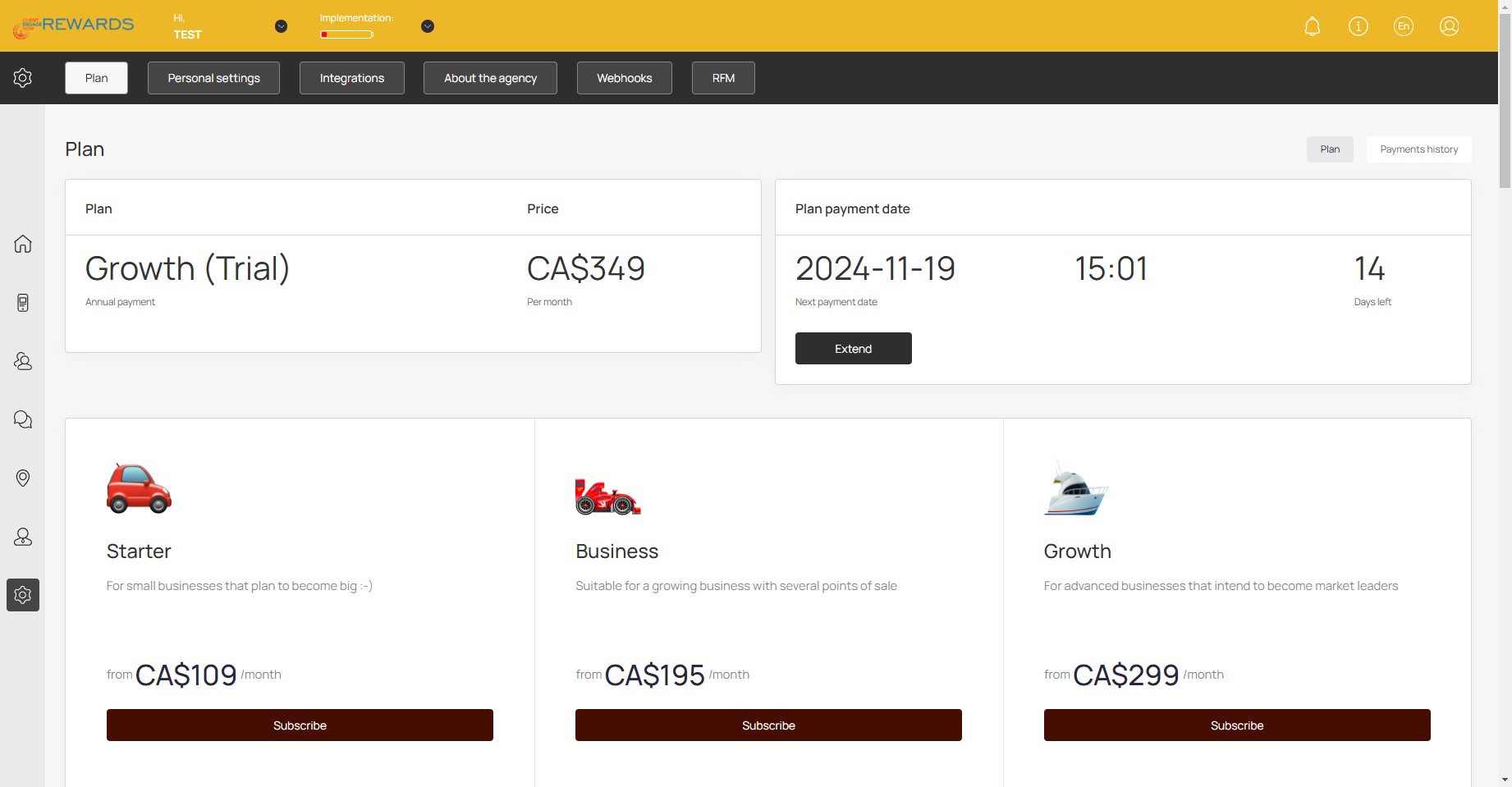
Click on "Extend"
5
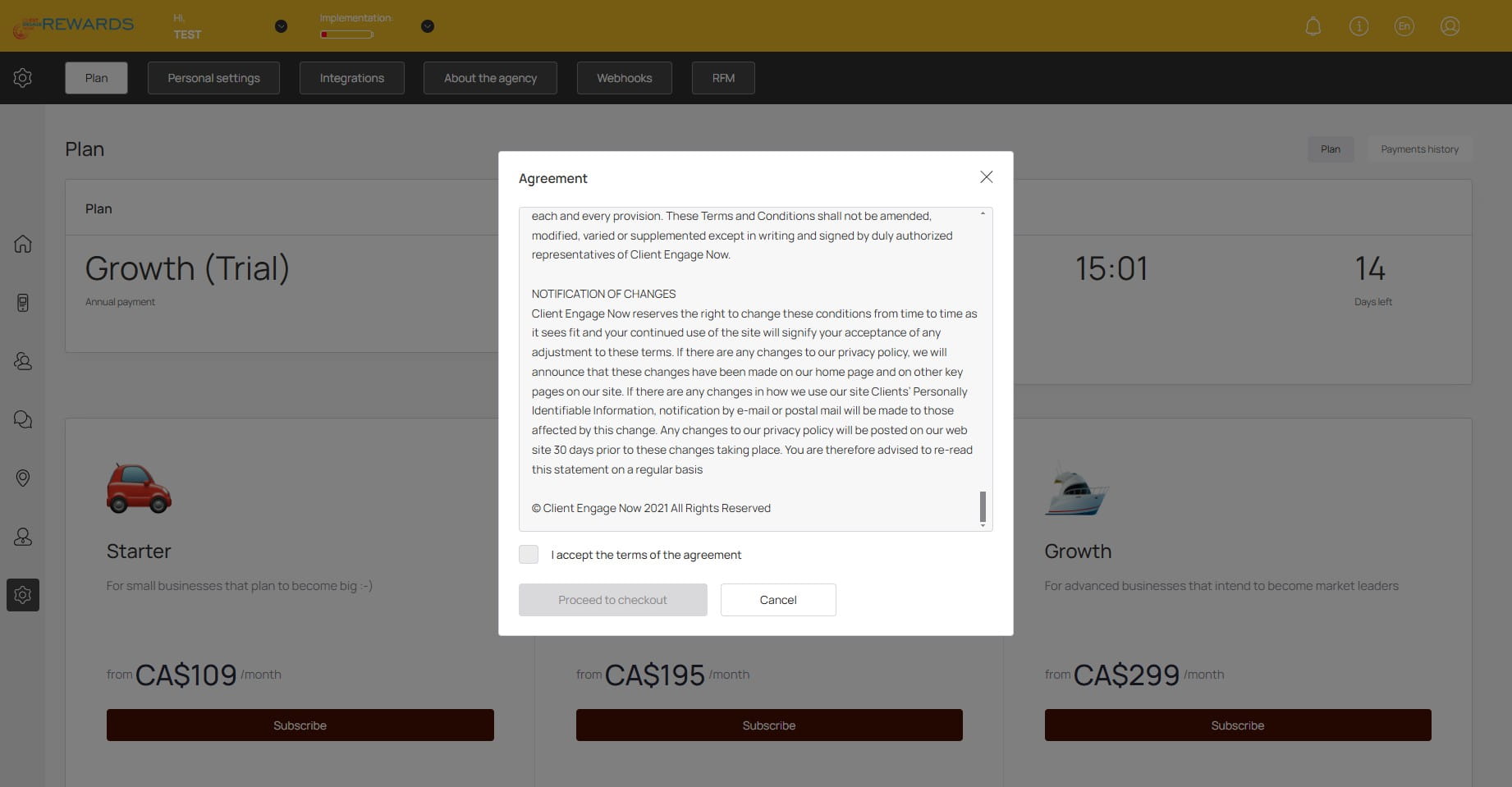
Read and accept the terms of the agreement
6
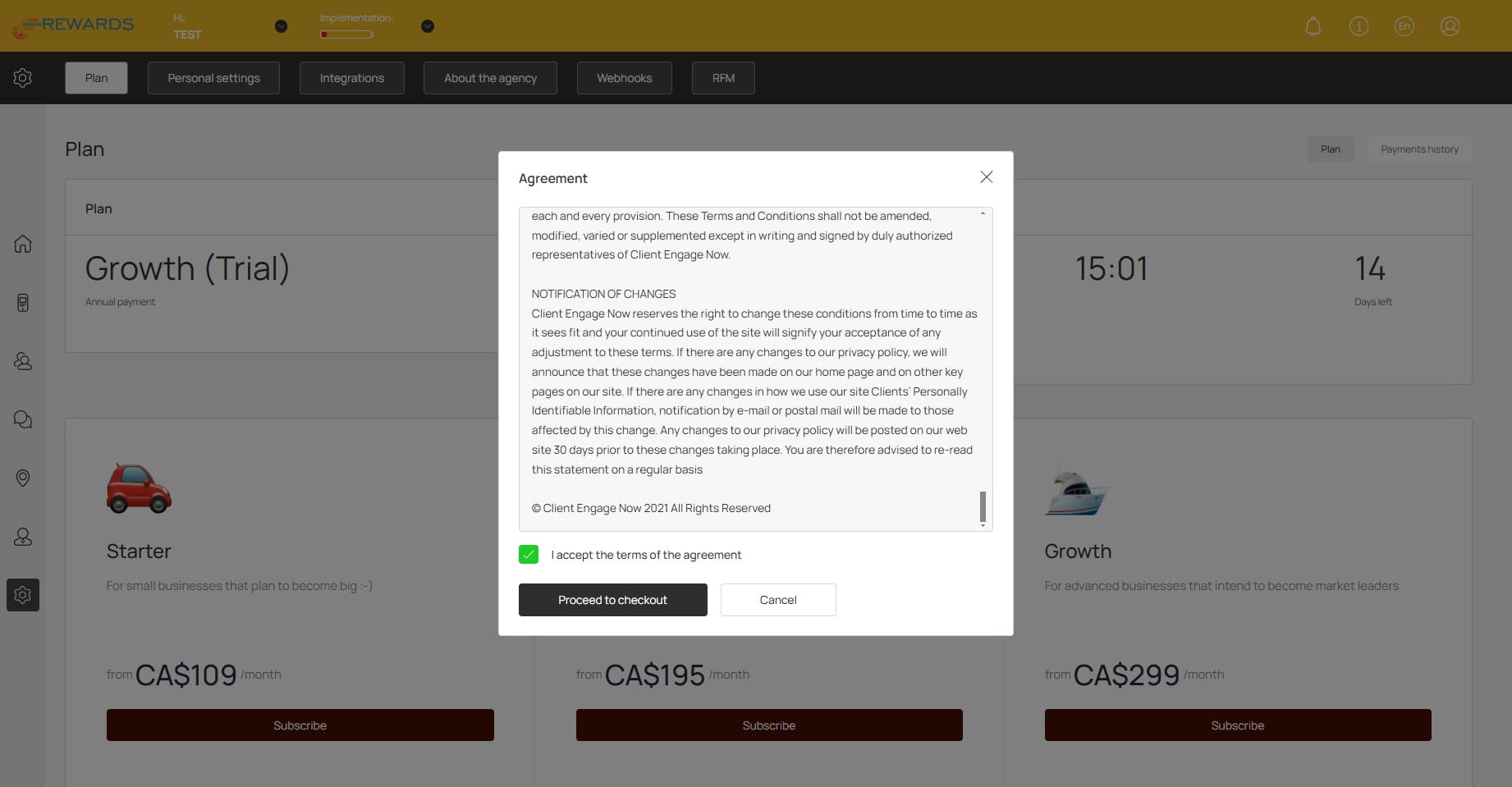
Click on "Proceed to checkout"
7
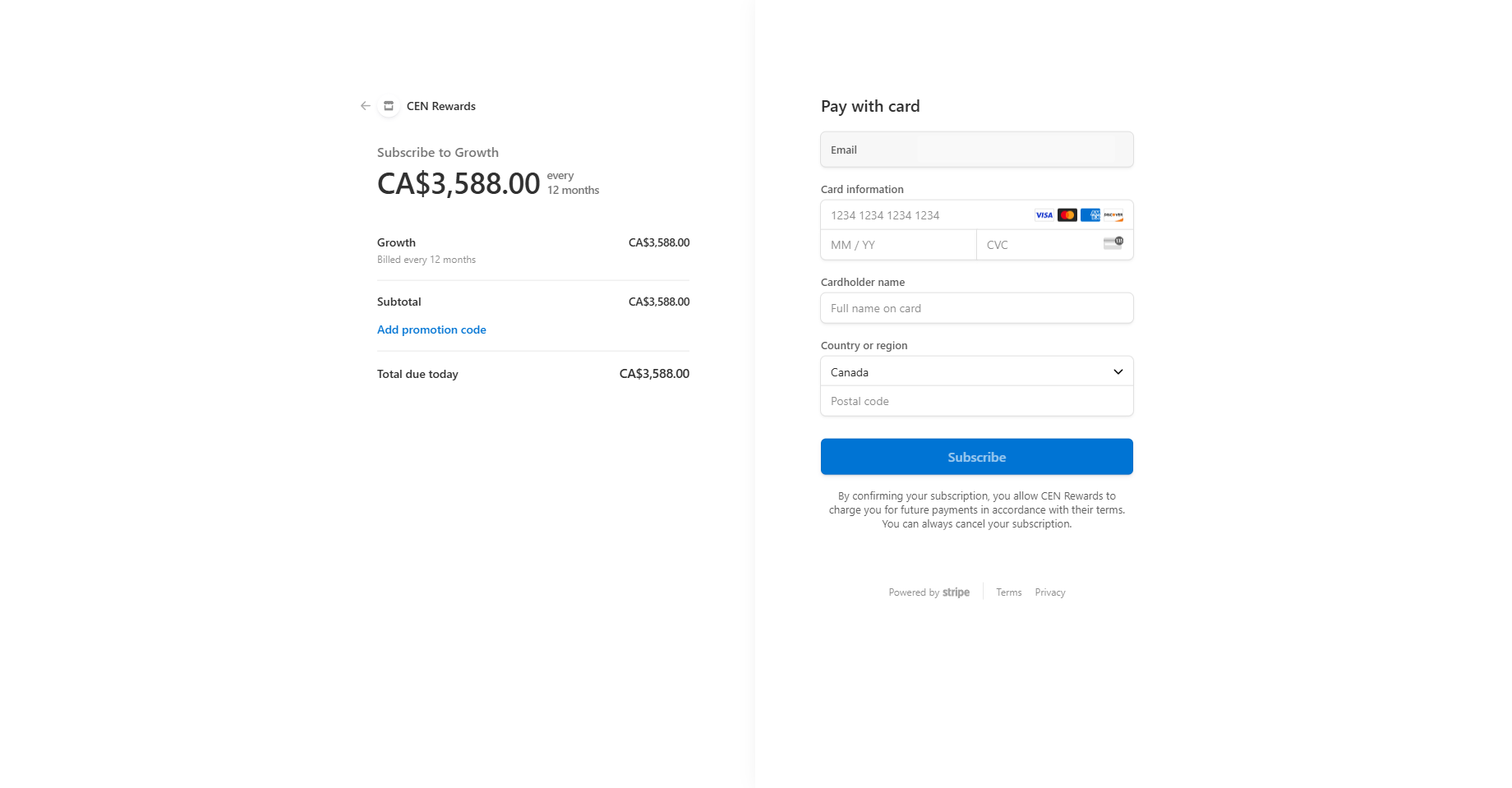
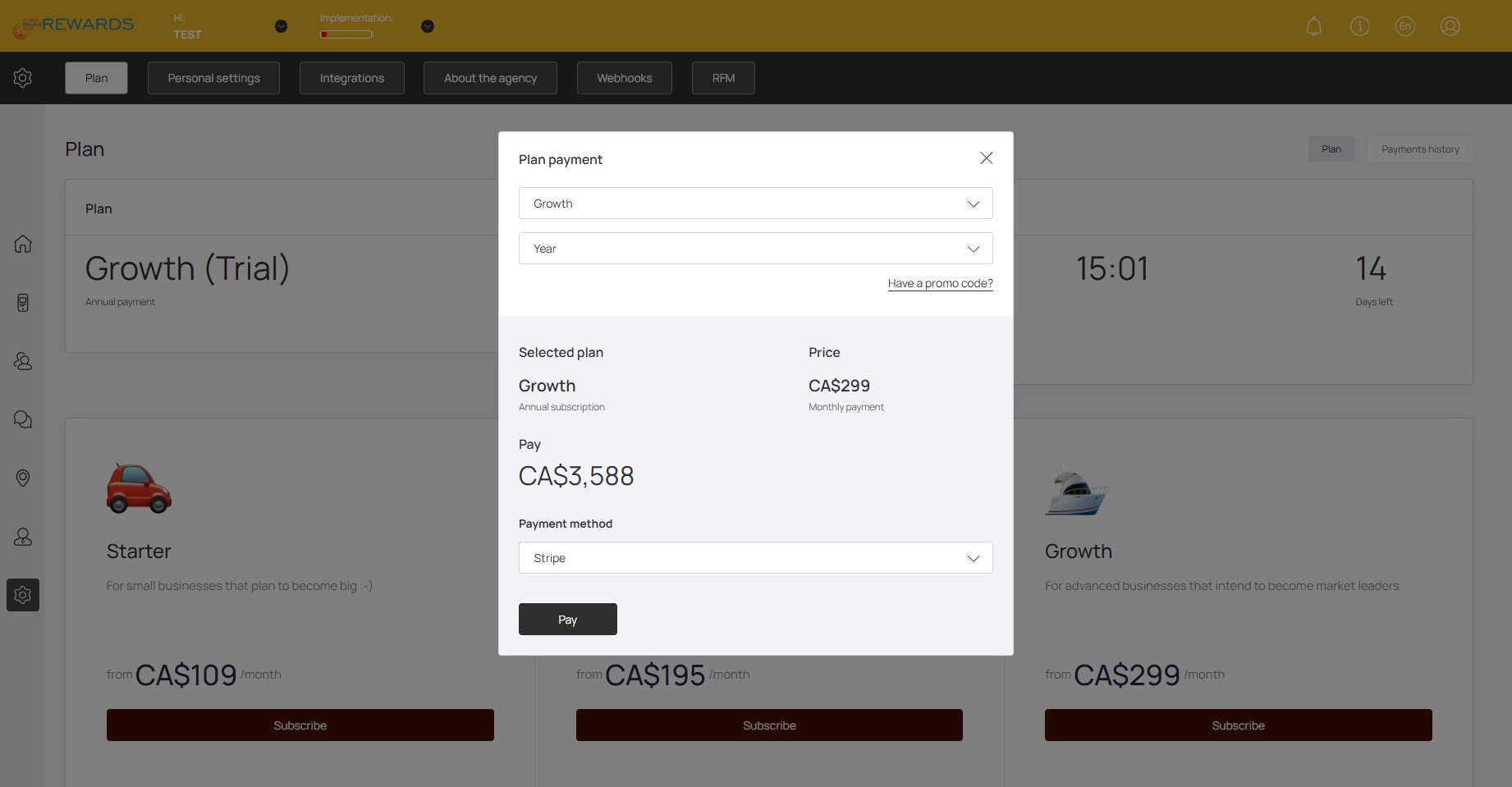
Select your desired plan and term. Click on "Pay" and proceed to payment page
8
Fill in and submit your payment information🚀