CEN Rewards: How to Send Push Notifications
Nov 06, 2024●
1
Navigate and log into https://rewards.clientengagenow.com/
2
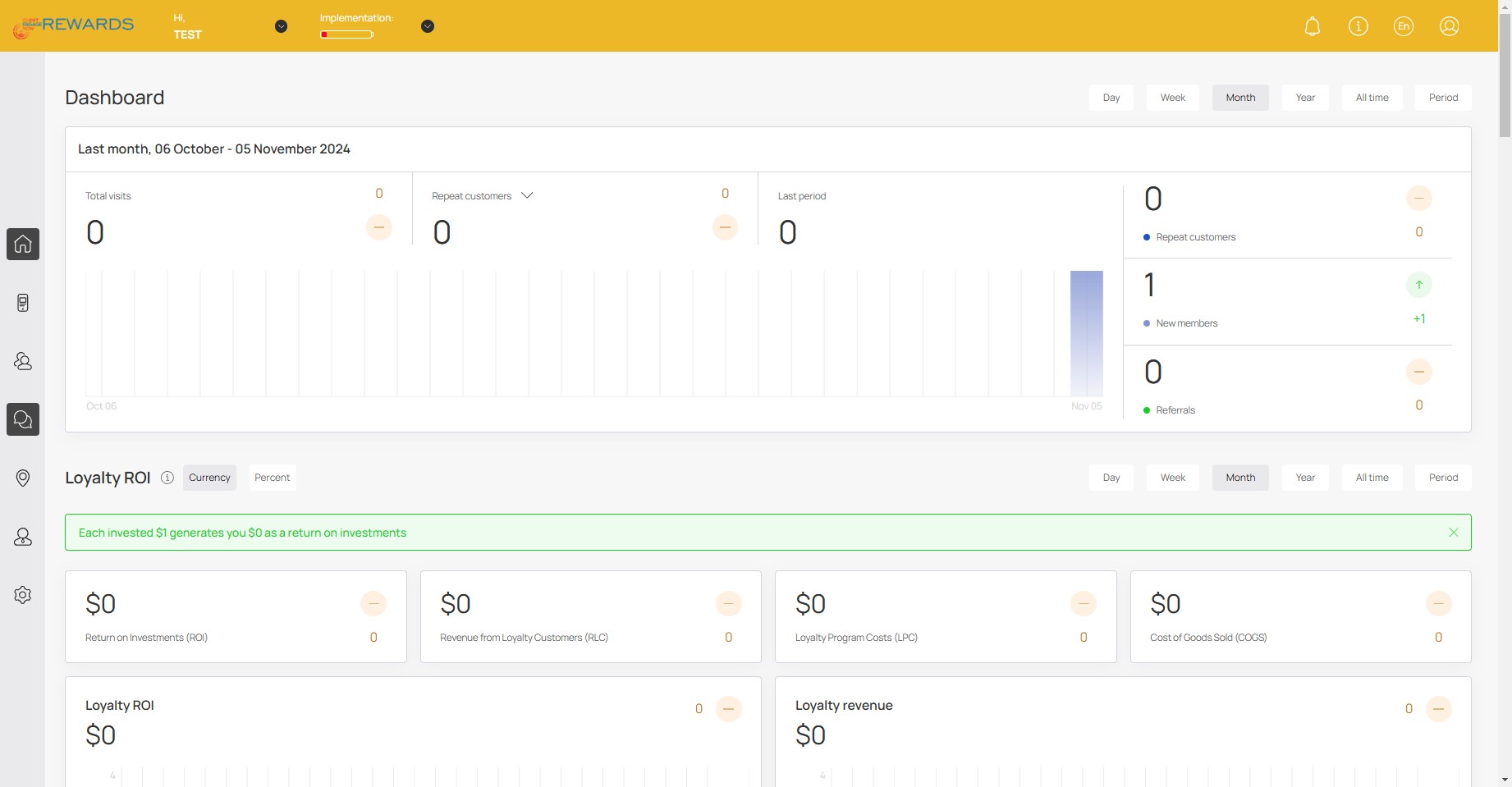
Click this icon
3
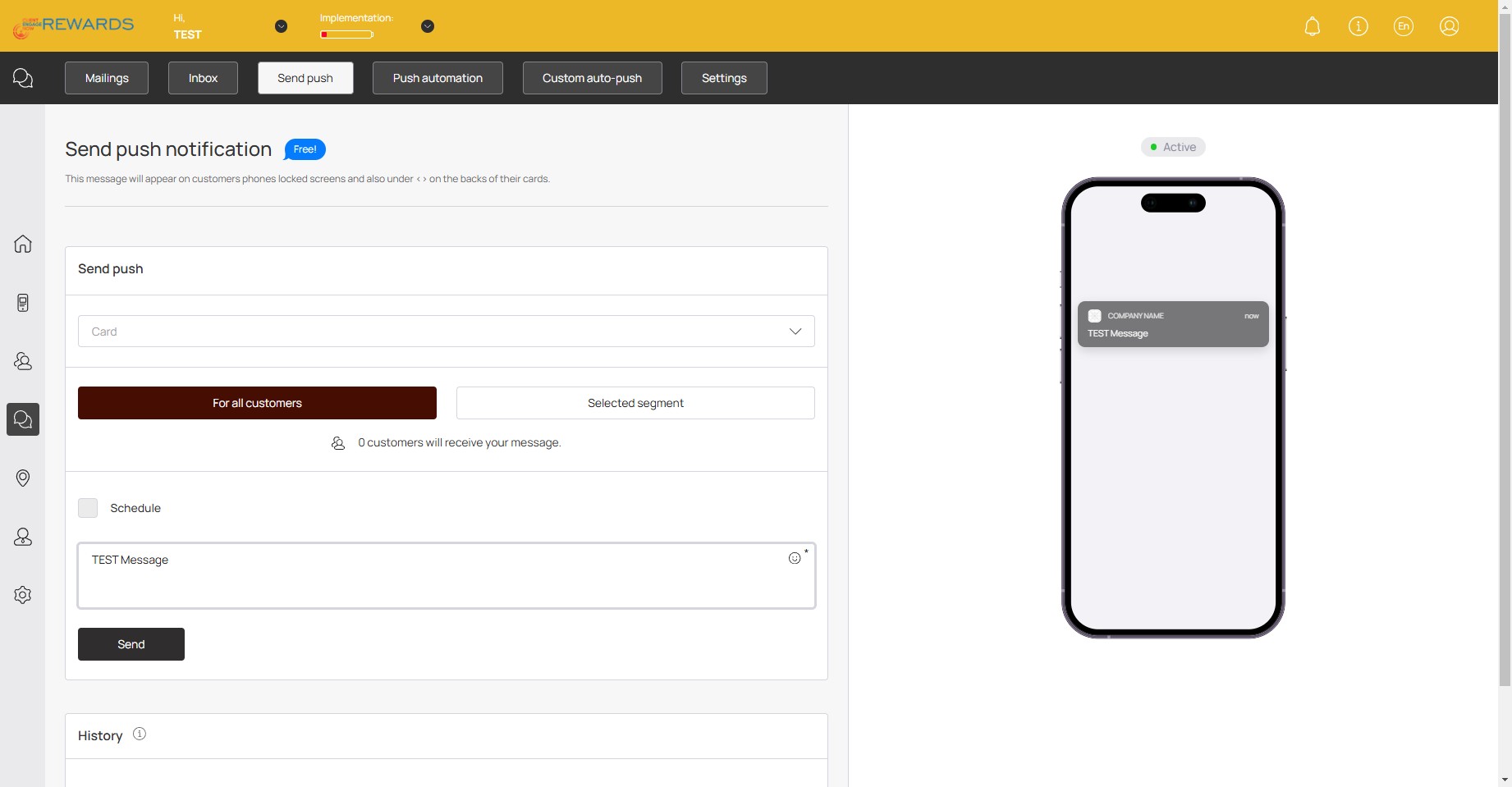
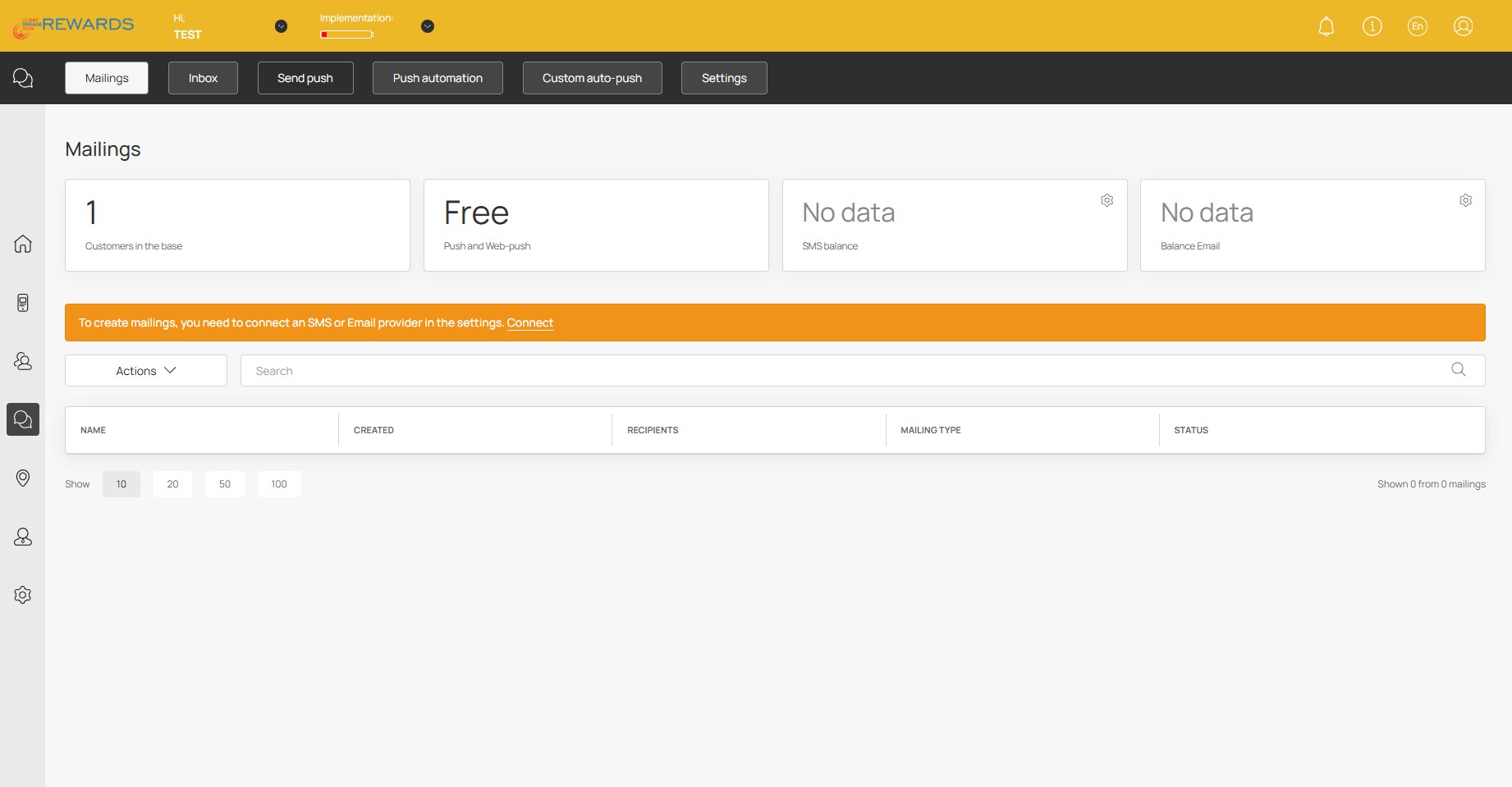
Click on "Send push"
4
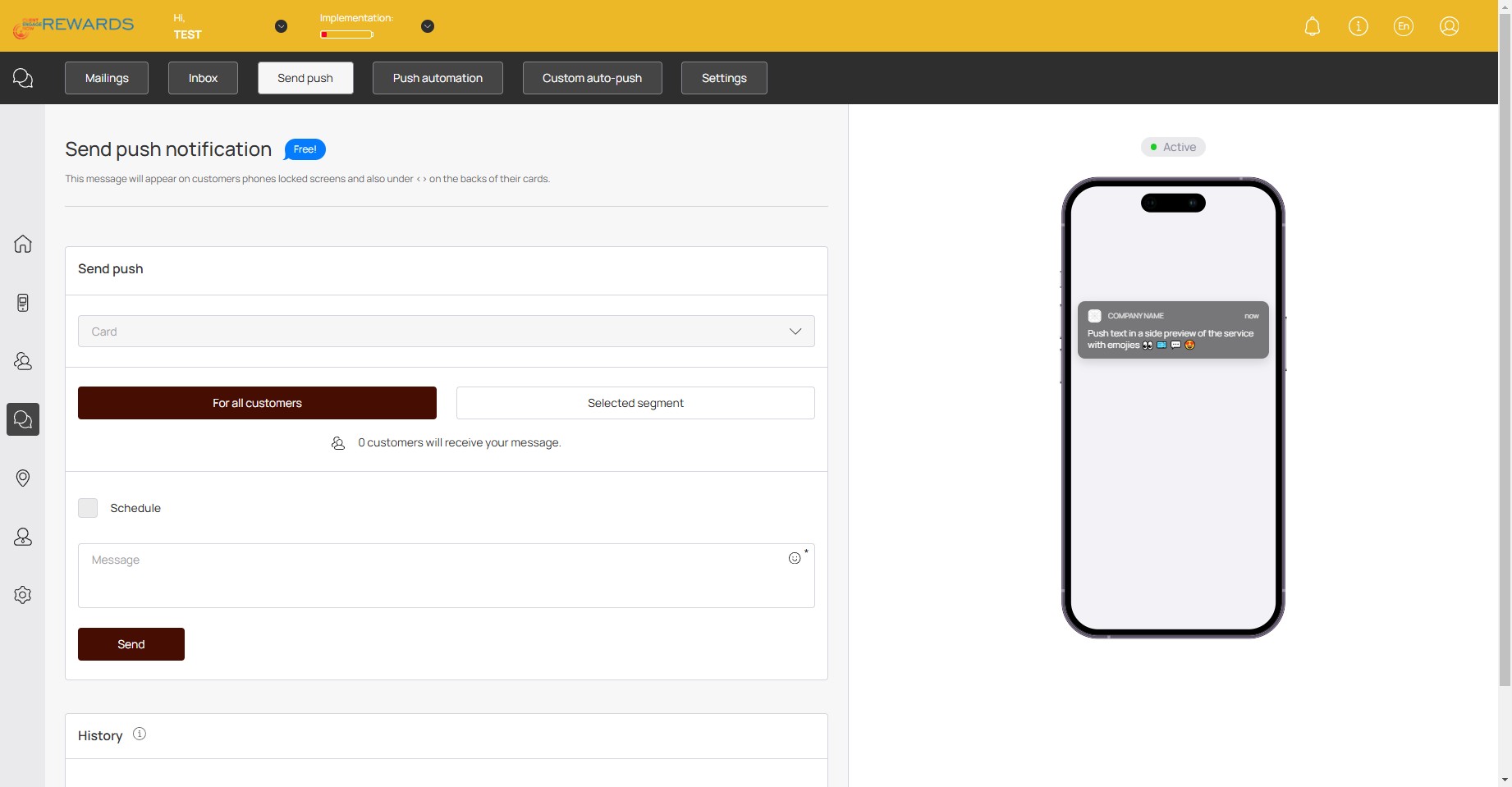
Click here to select an active card
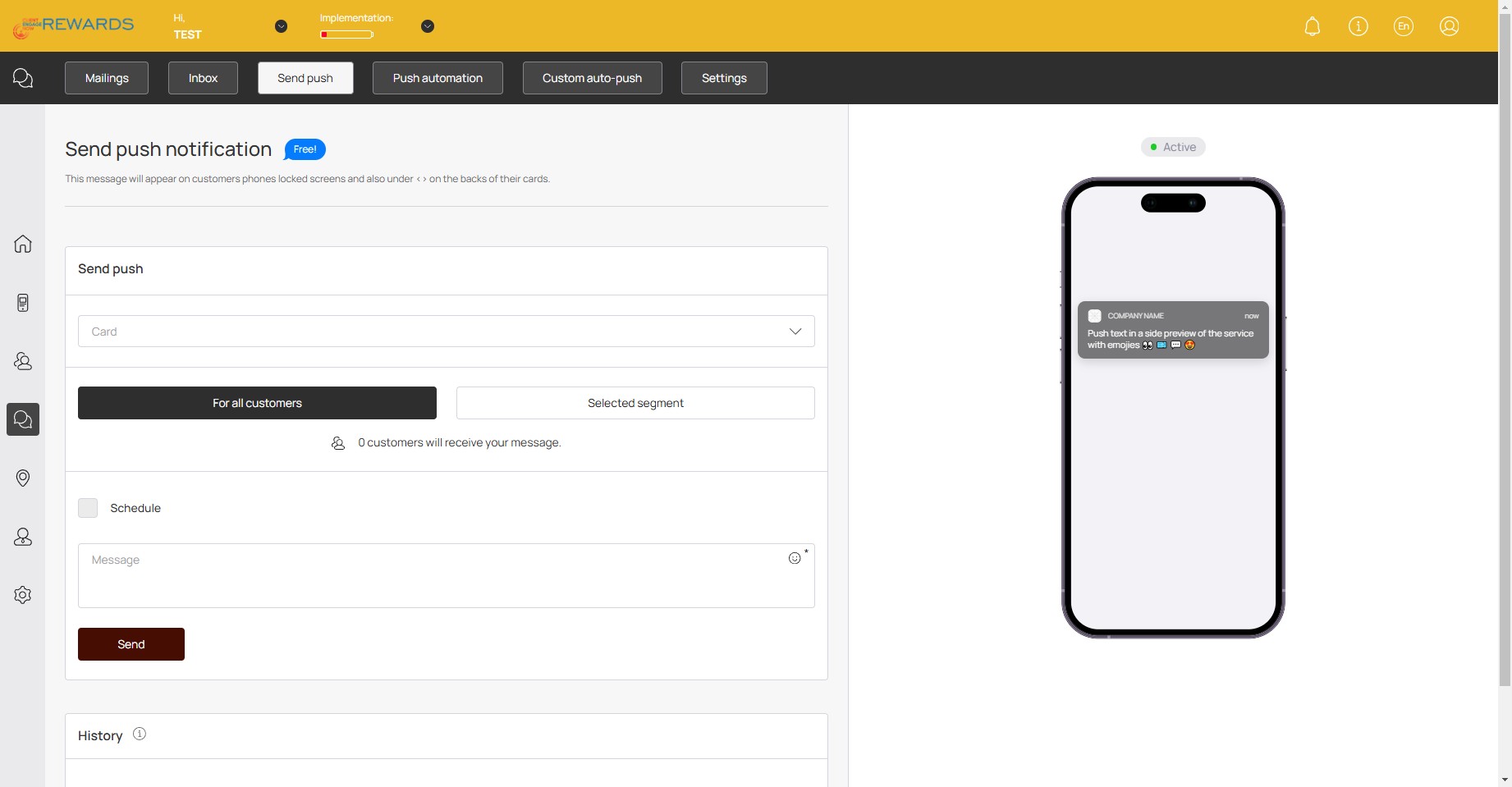
5
Click on "For all customers" to send to all customers or "Selected segment" to send to select customers
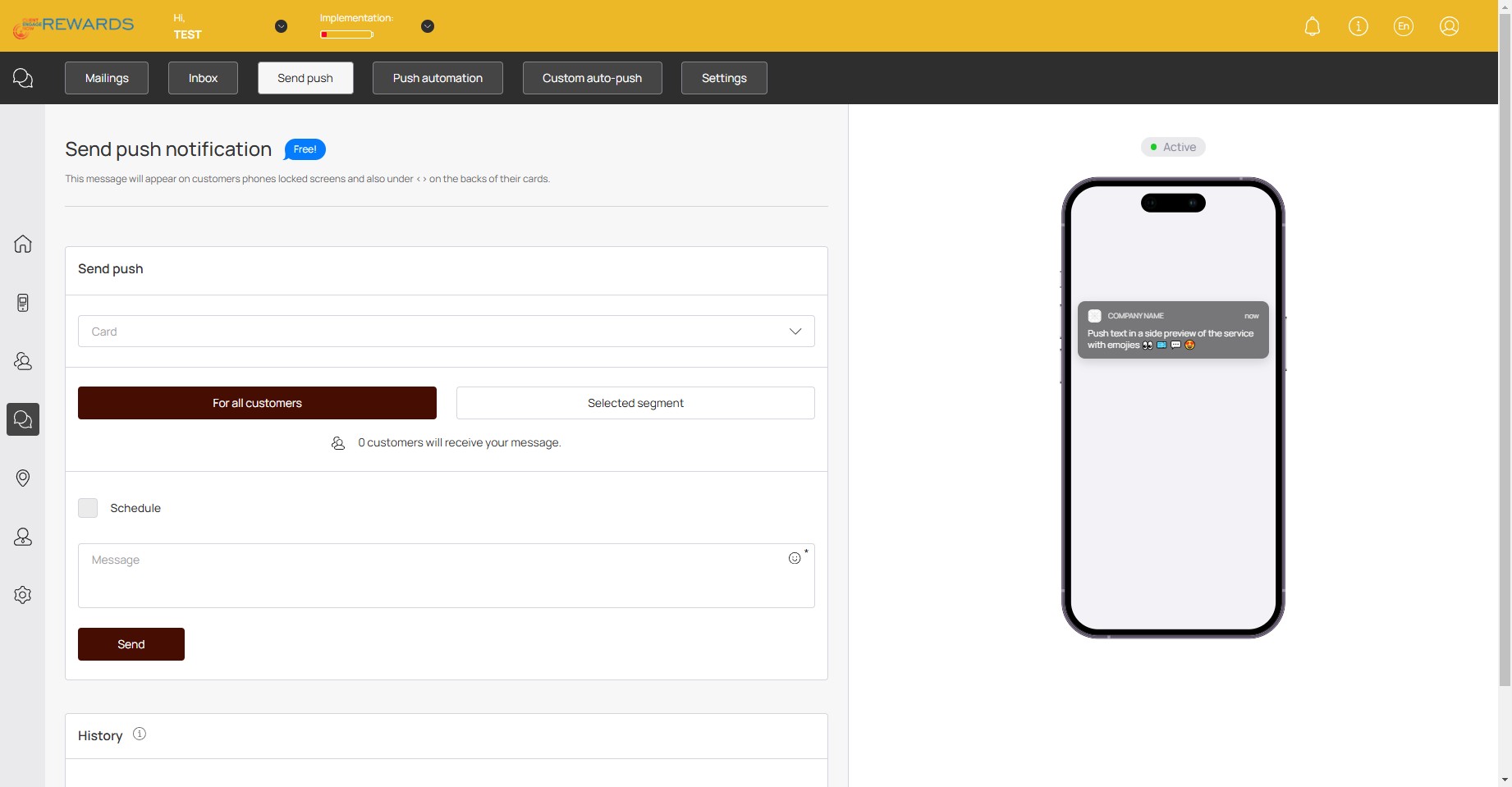
6
Click here if you wish to schedule the notification
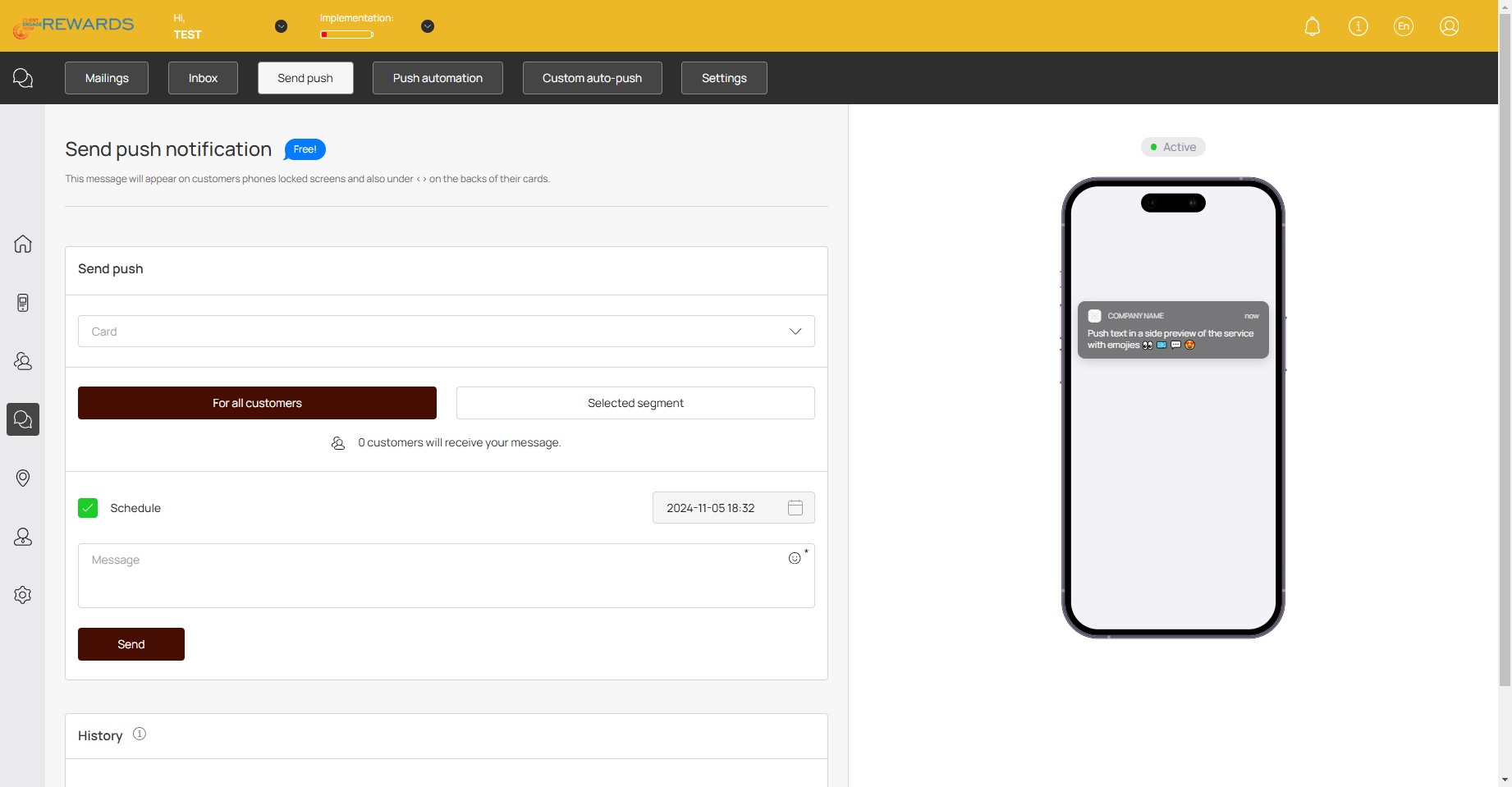
7
Select your preferred scheduled send here if you wish to schedule the notifications
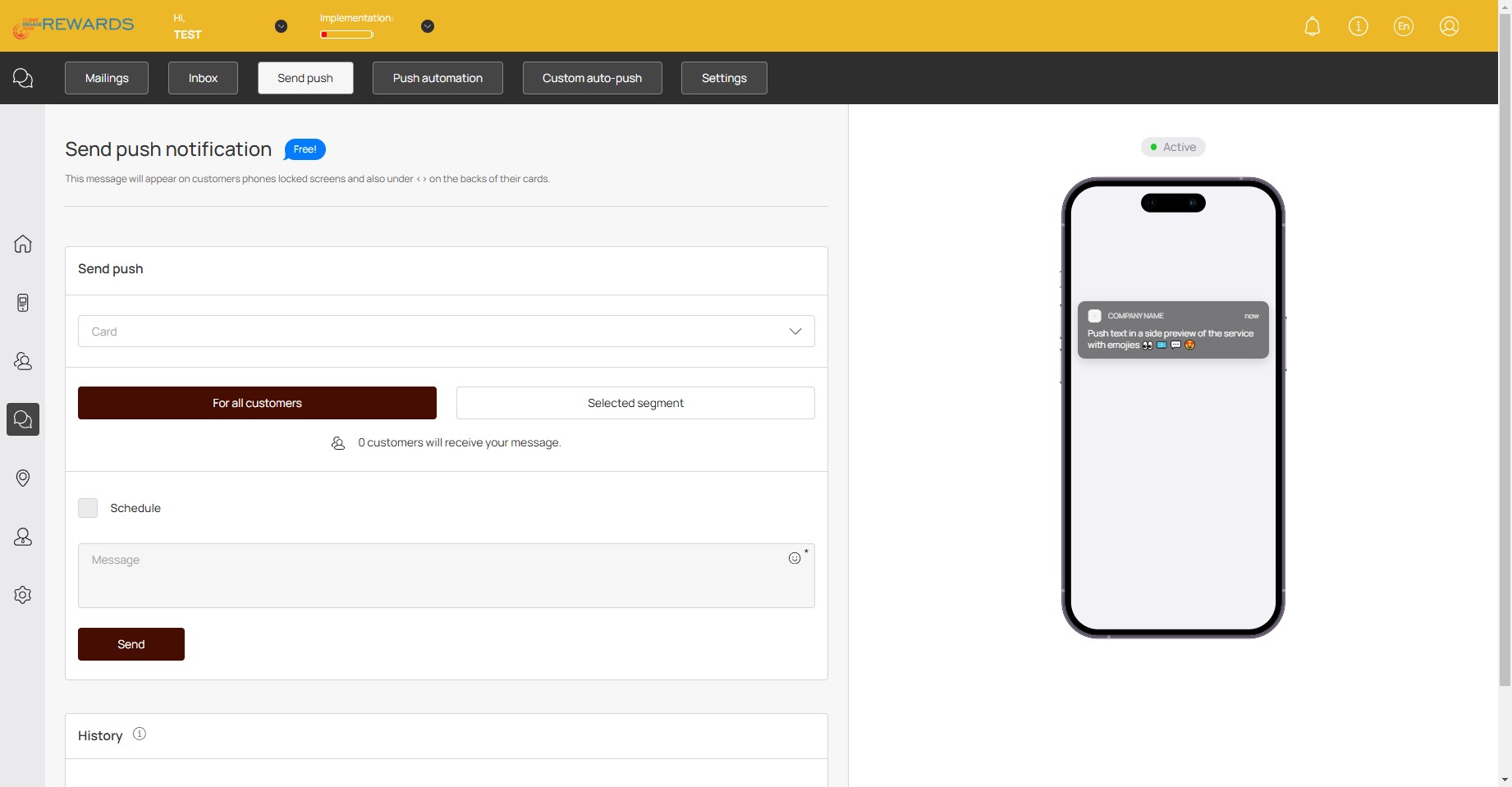
8
Click here and enter your message to customers
9
Click on "Send"🚀