

CEN Mobile App/Lead Connector: Download & Startup
A basic guide on how to get started with the Client Engage Now Mobile App
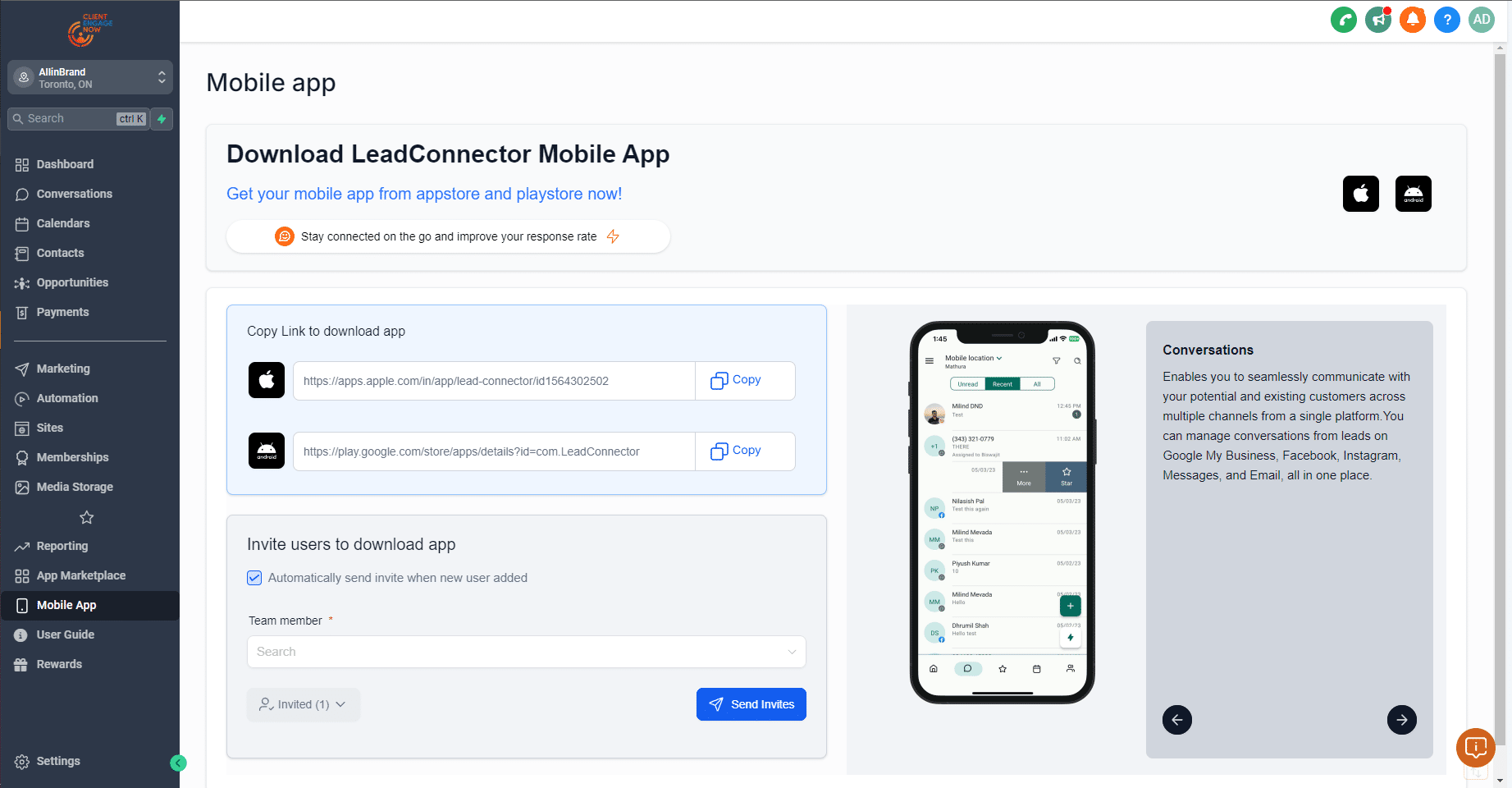
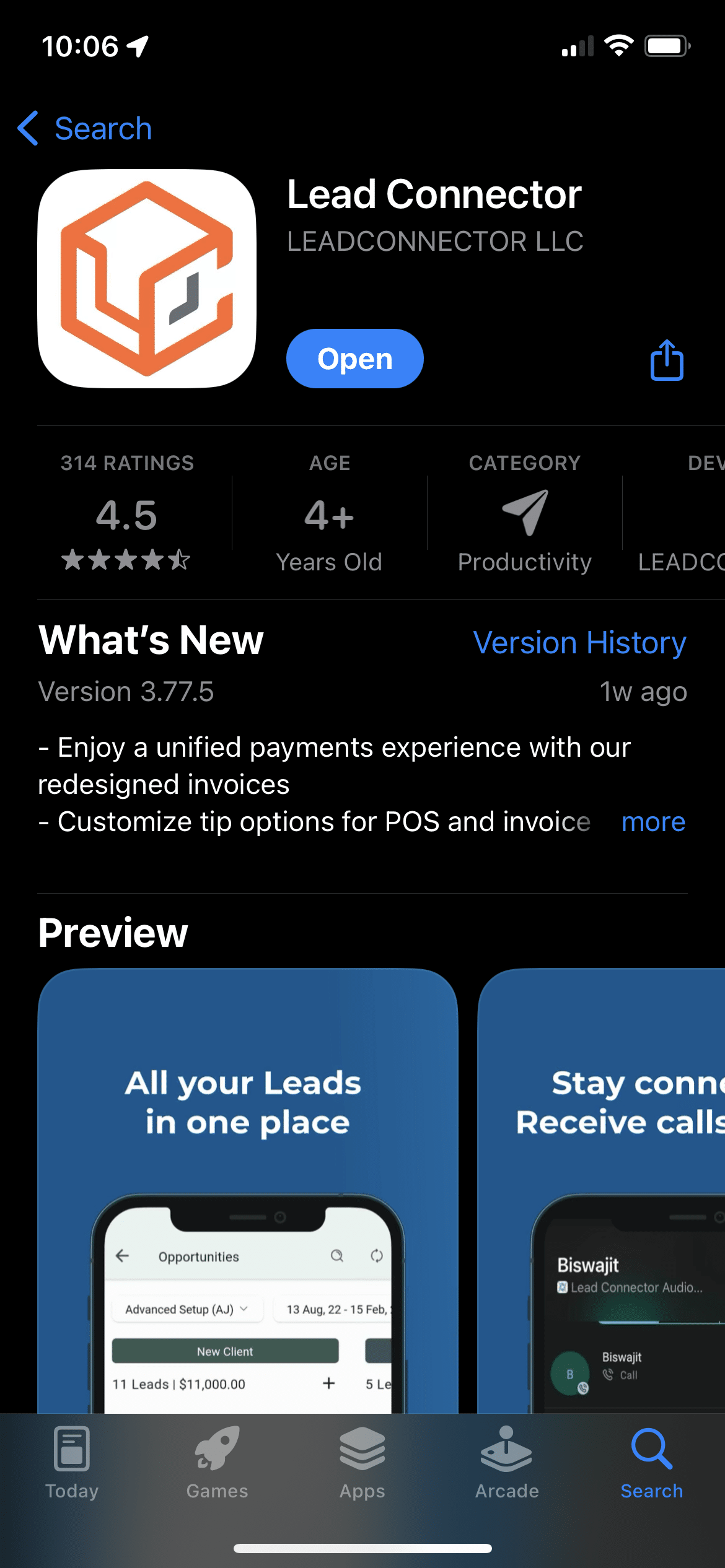
To download the Lead Connector app, click the appropriate link below for your mobile device or copy and paste into your internet browser:
Apple: https://apps.apple.com/in/app/lead-connector/id1564302502 Android: https://play.google.com/store/apps/details?id=com.LeadConnector
Let's learn how to place a "Marker" to let your users know where to focus
Tip: You can change the color of the marker to match your brand or even make it look like a real mouse cursor
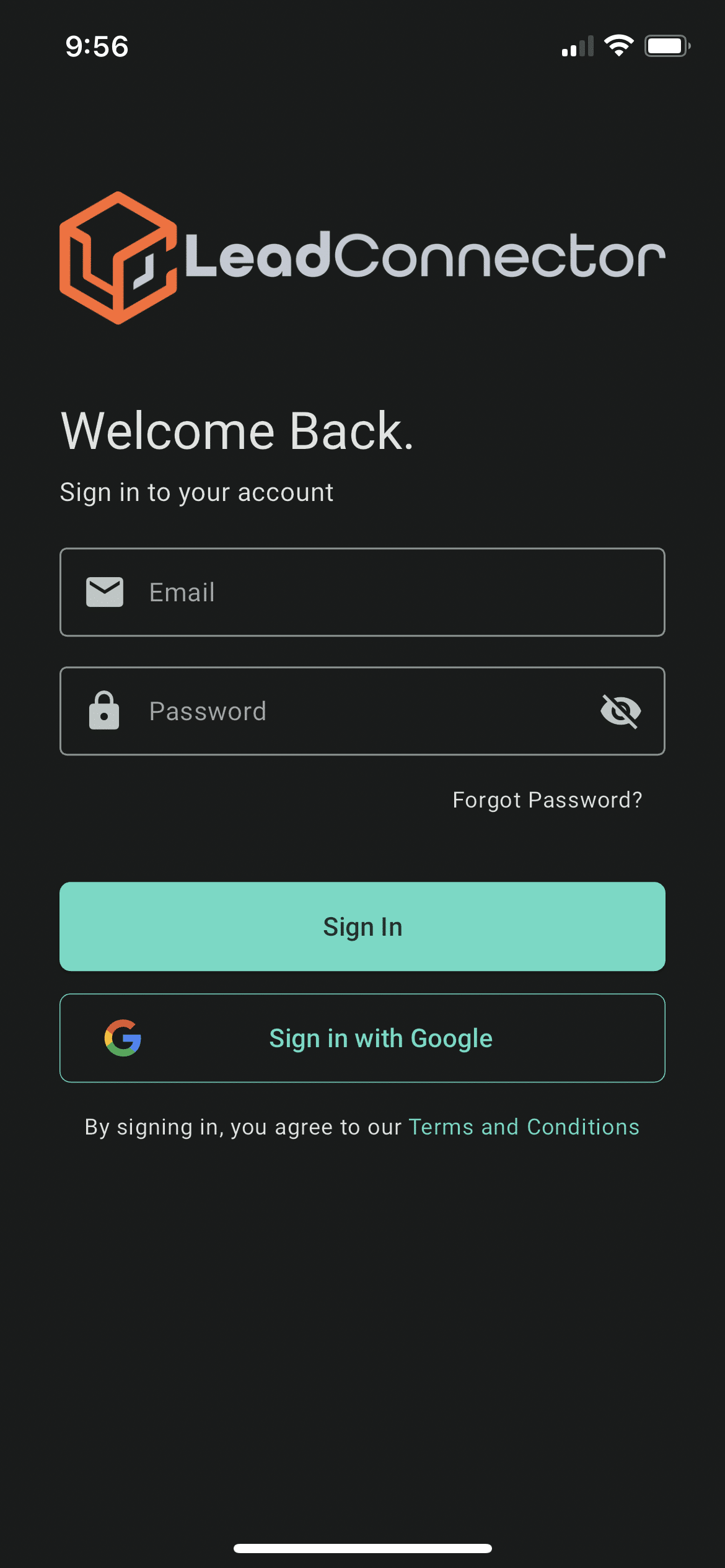
Enter your Client Engage Now login details and click Sign In
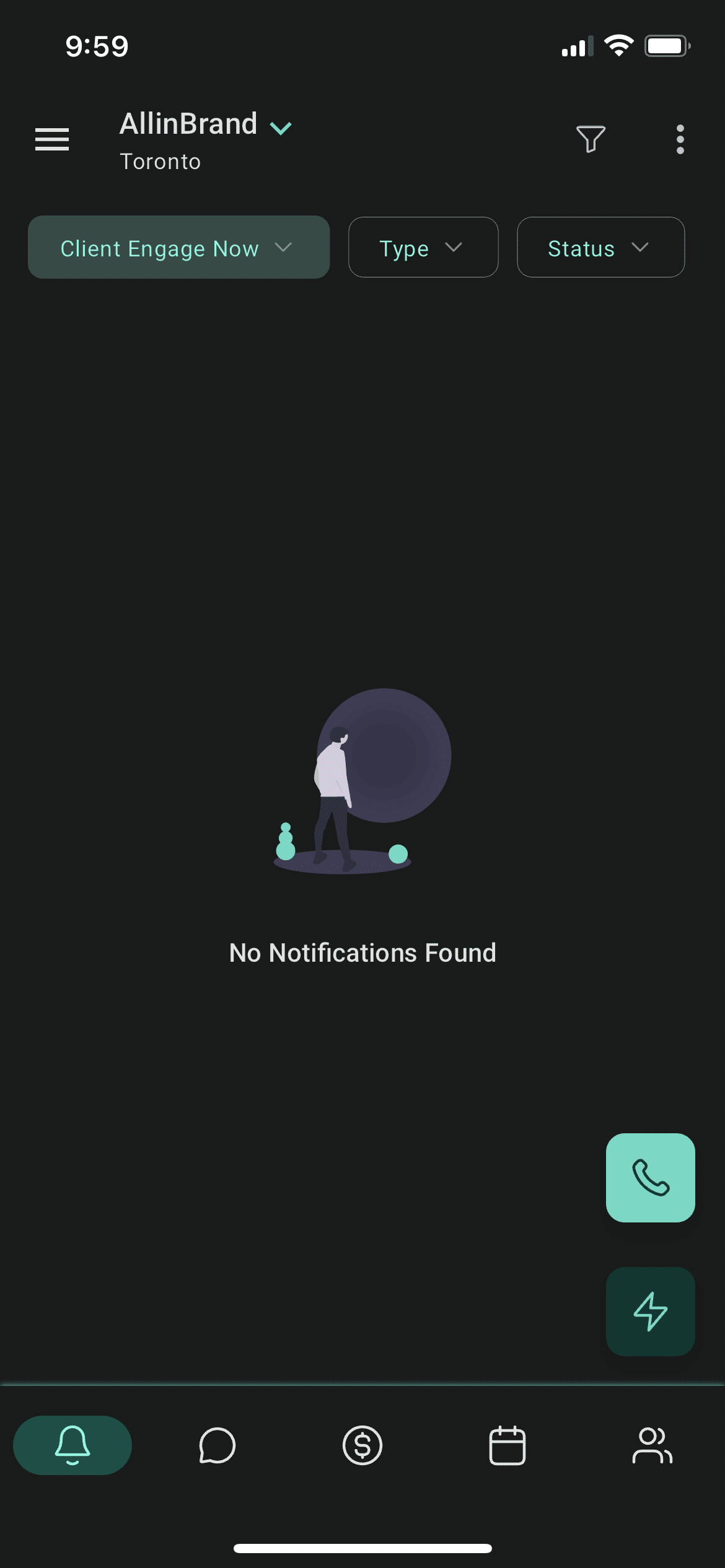
The first screen loaded into will be your notifications dashboard. This is where you can see any new unread notifications (New SMS messages, new Google Reviews, new social media messages/comments...)
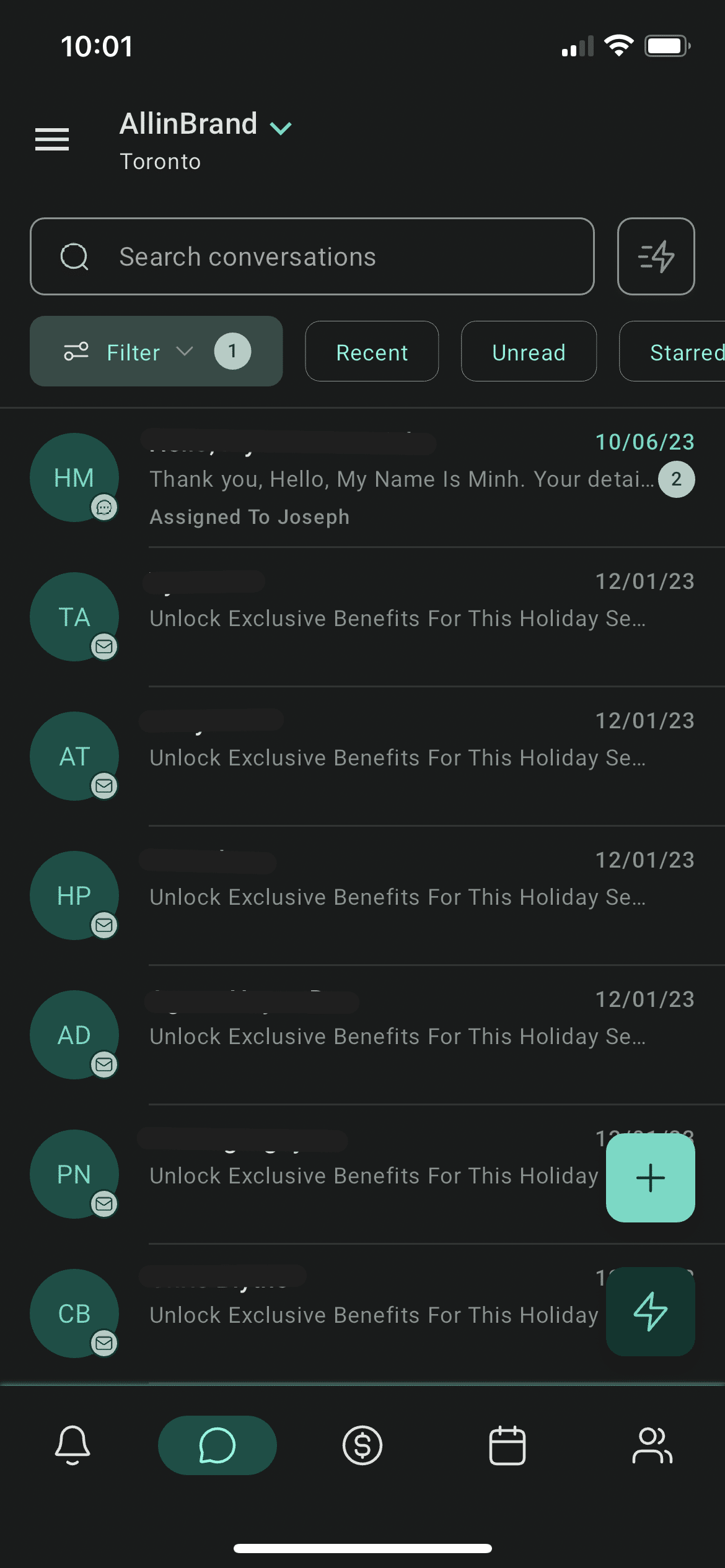
Click on the chat bubble icon at the bottom to view all of your active conversations. This is where new and old leads can be contacted
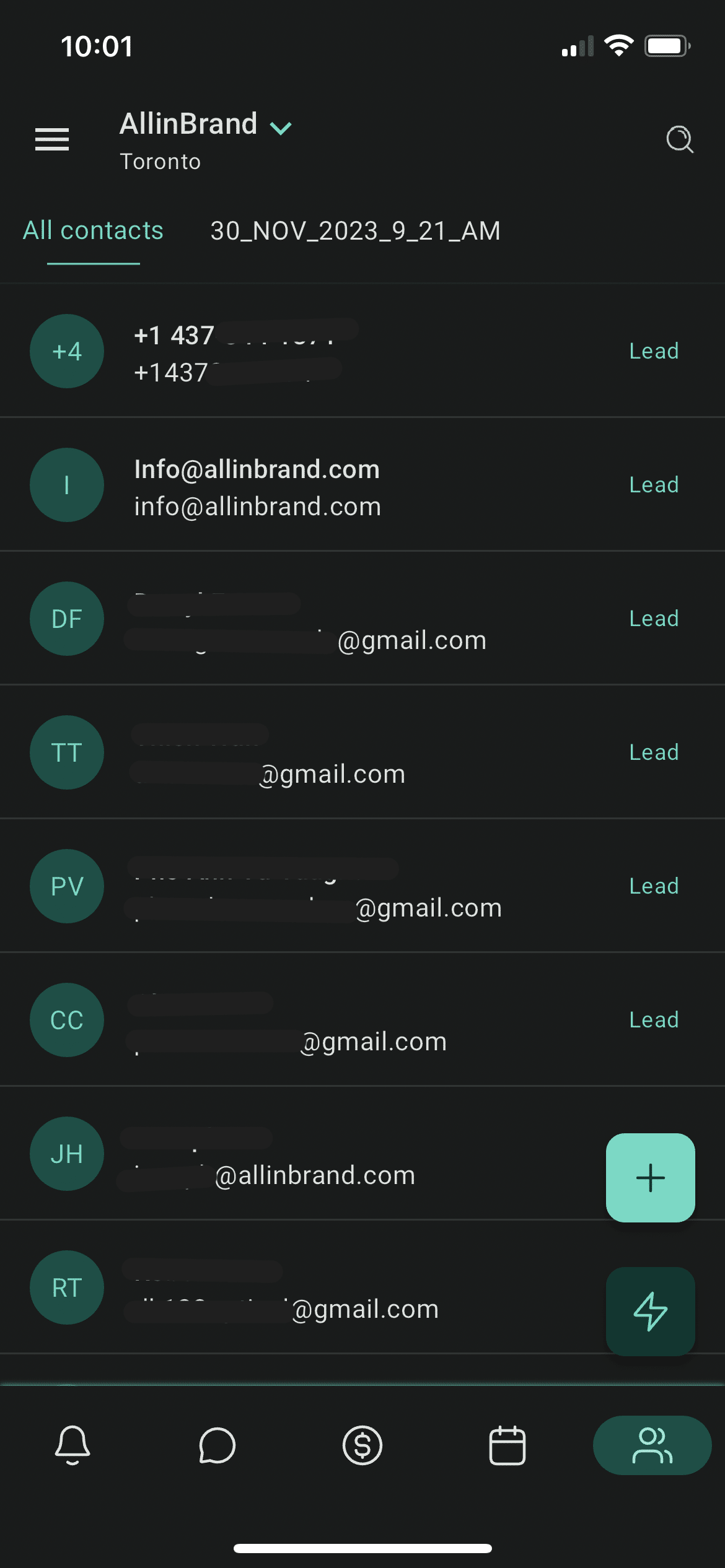
Clicking on the people icon at the bottom will direct you to a list of your contacts
Feel free to contact us if you need any additional support with logging in and navigating the app!