CEN Rewards: Profile Settings
Nov 05, 2024●
1
Navigate and log into to https://rewards.clientengagenow.com/
2
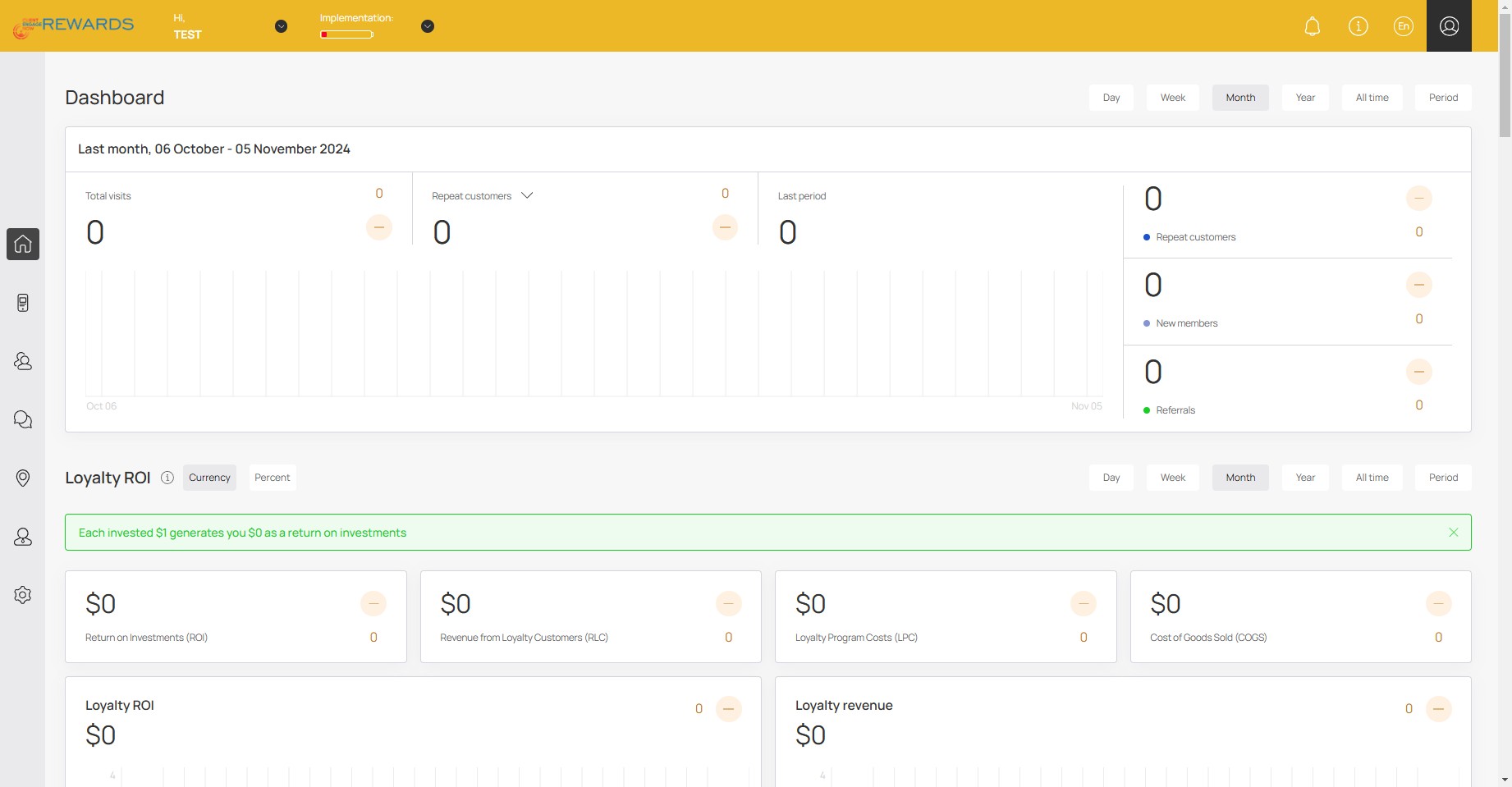
Click your profile icon
3
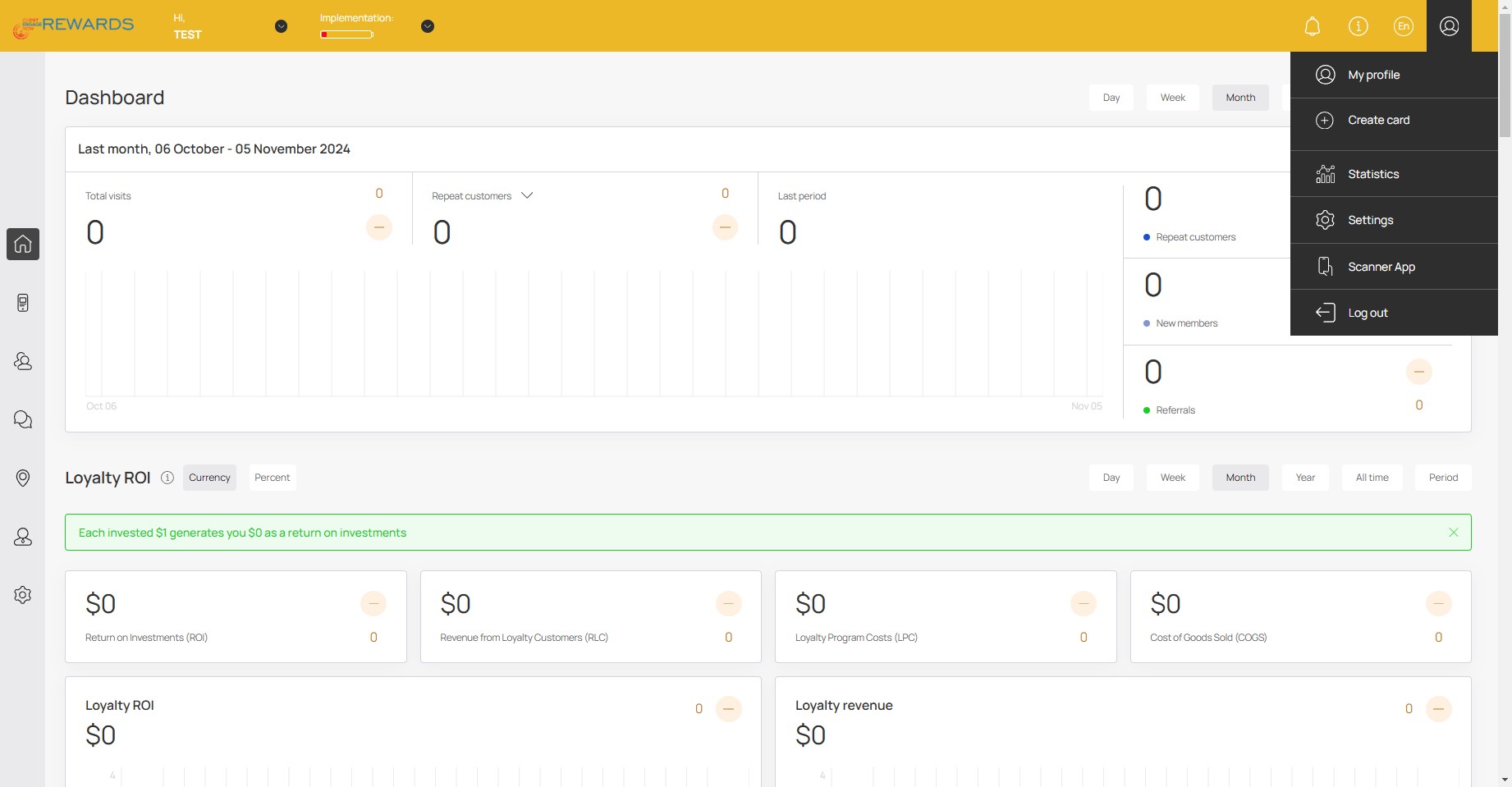
Click on "Settings"
4
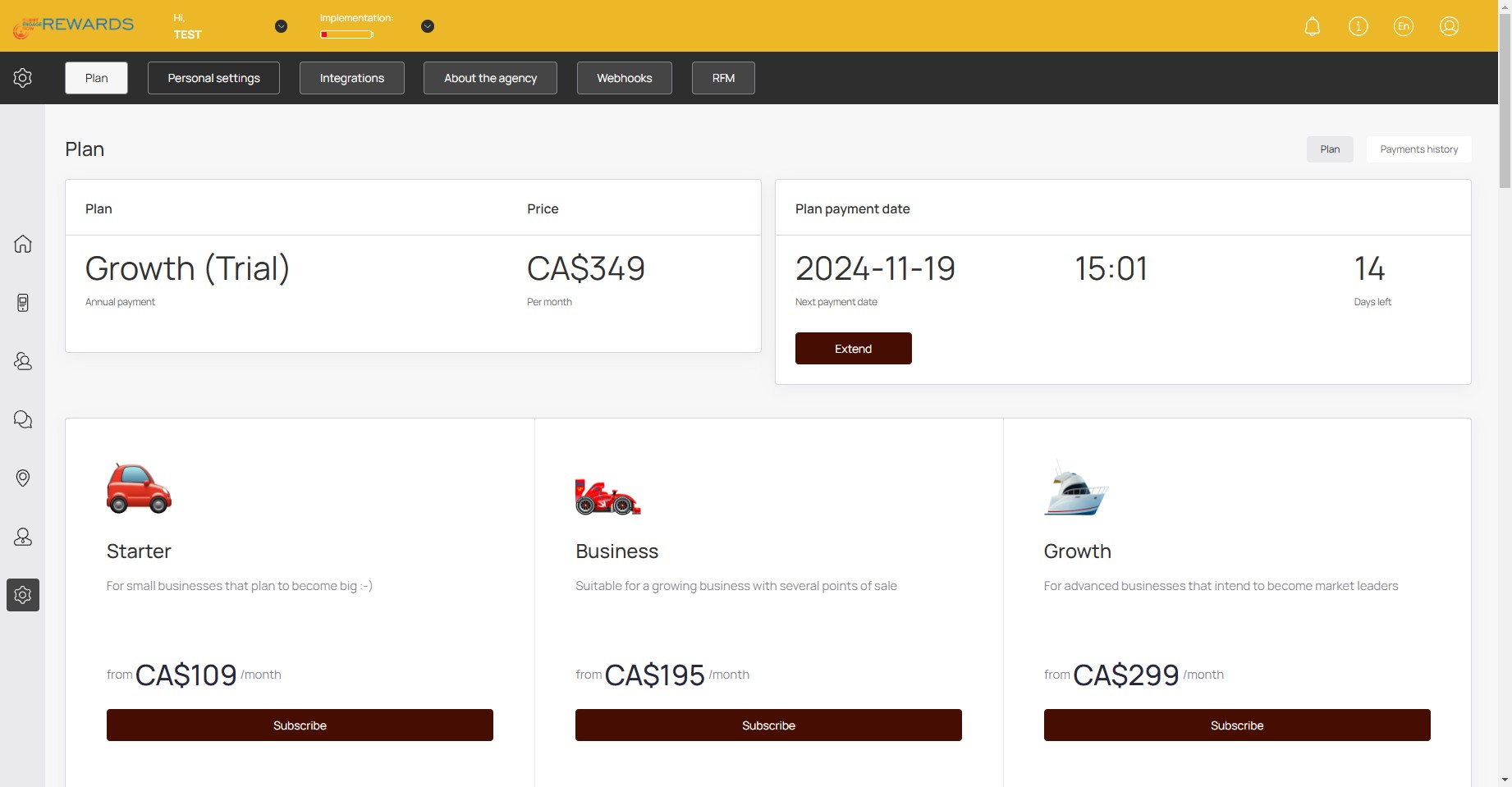
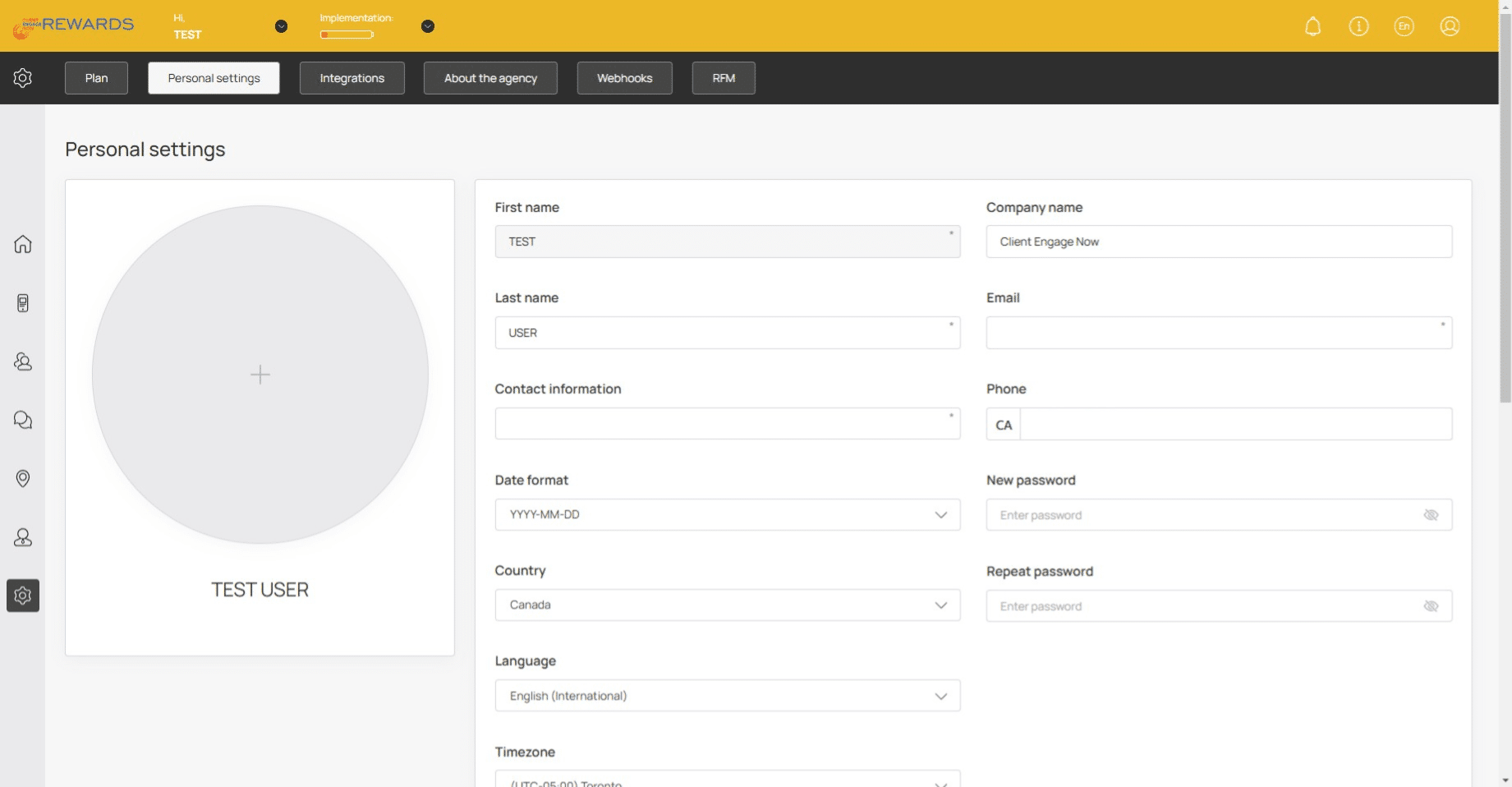
Click on "Personal settings"
5
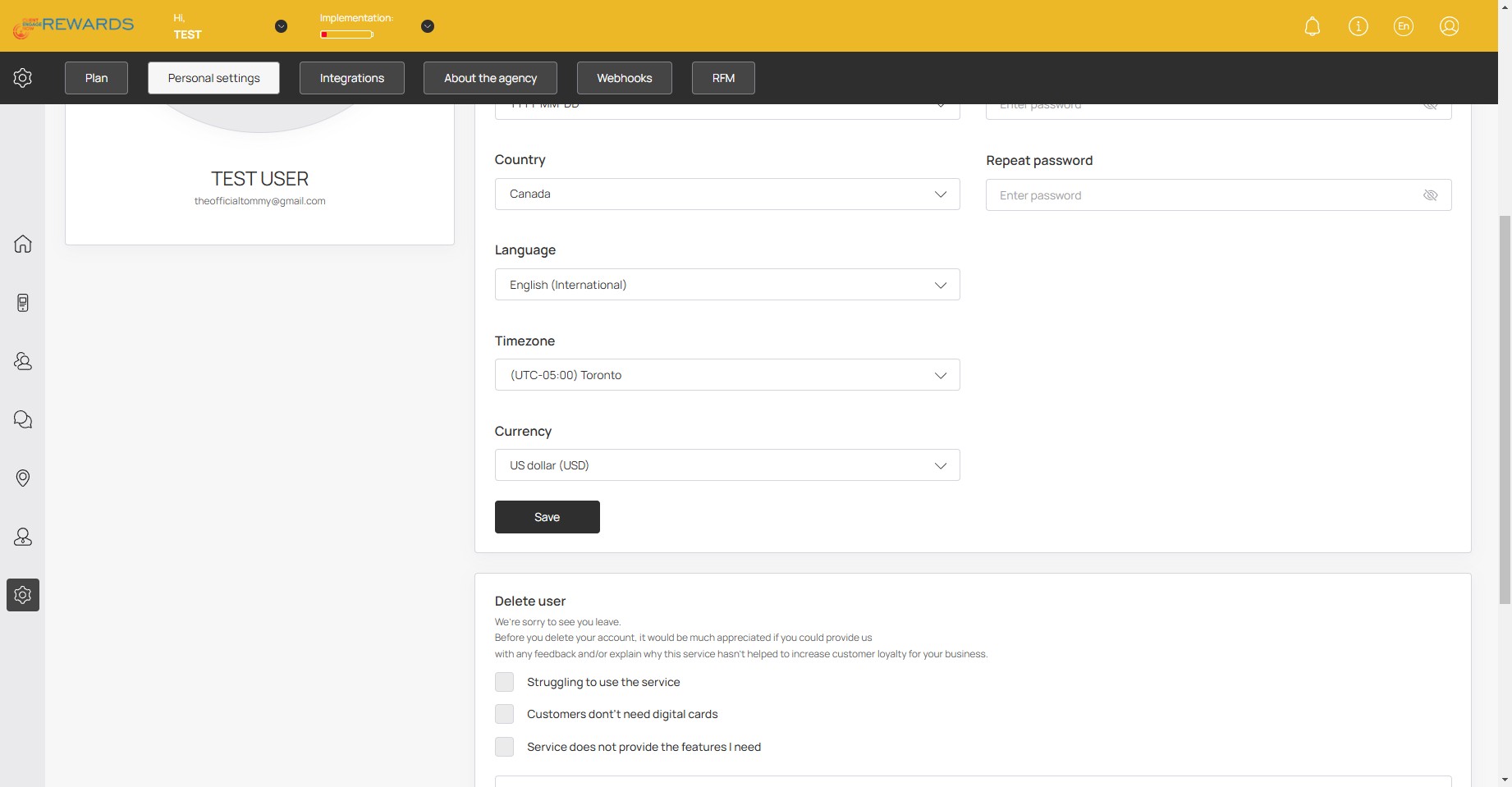
Here you can edit your personal settings and information.
6
Click on "Save" to save any edits made🚀