CEN Rewards: How to Add More Locations
Nov 06, 2024●
1
Navigate to https://rewards.clientengagenow.com/
2
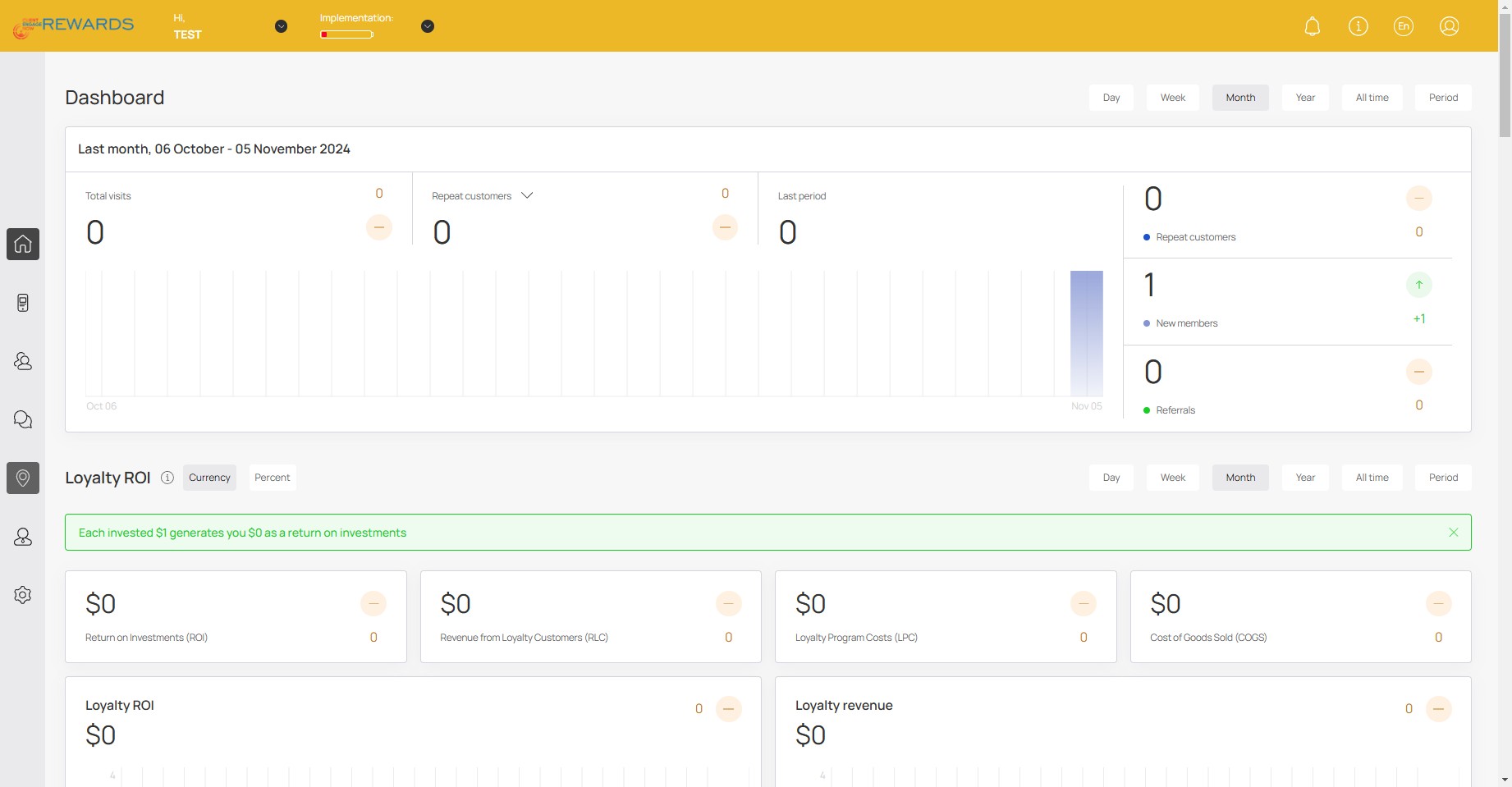
Click this icon
3
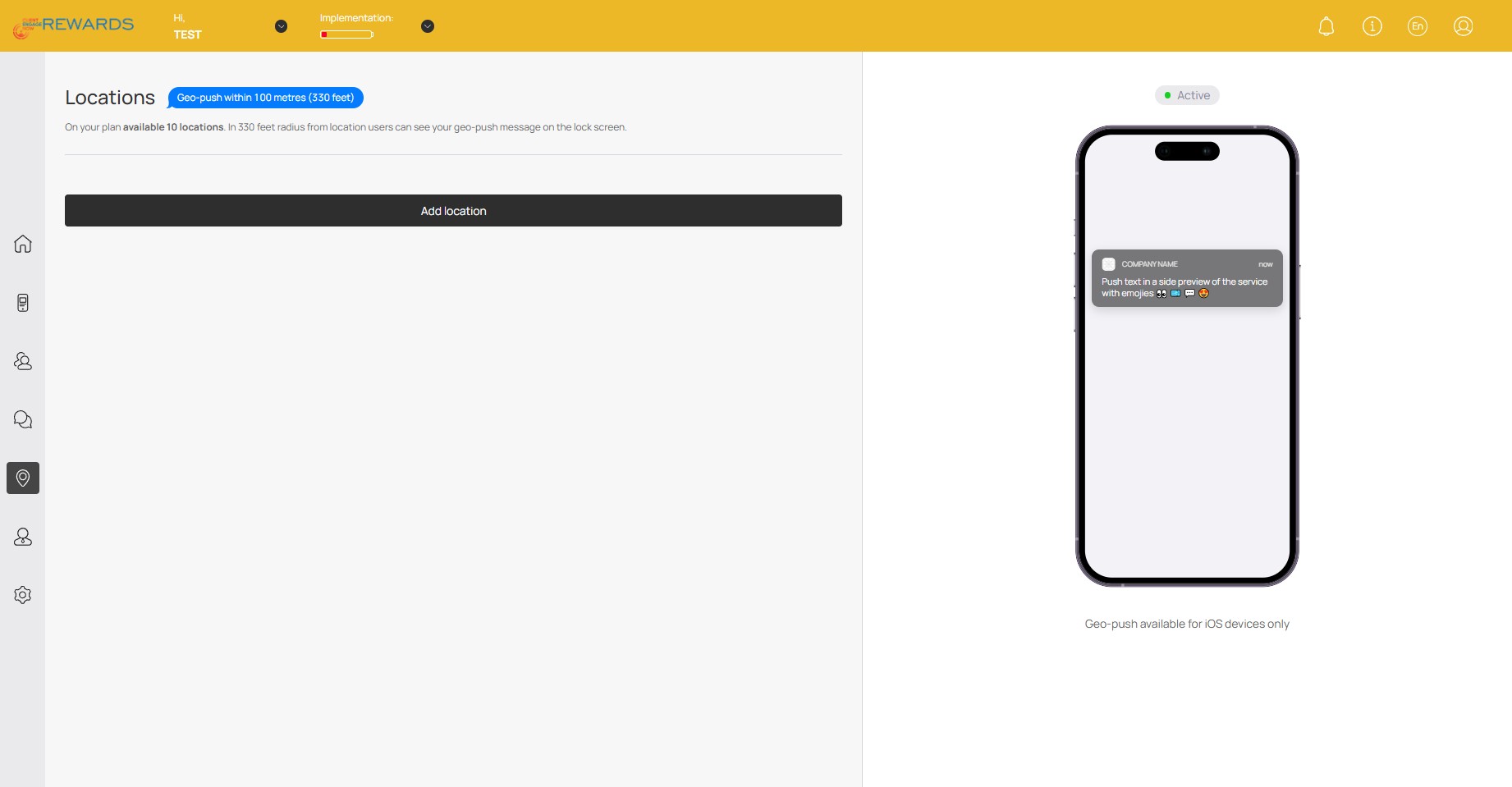
Click on "Add location"
4
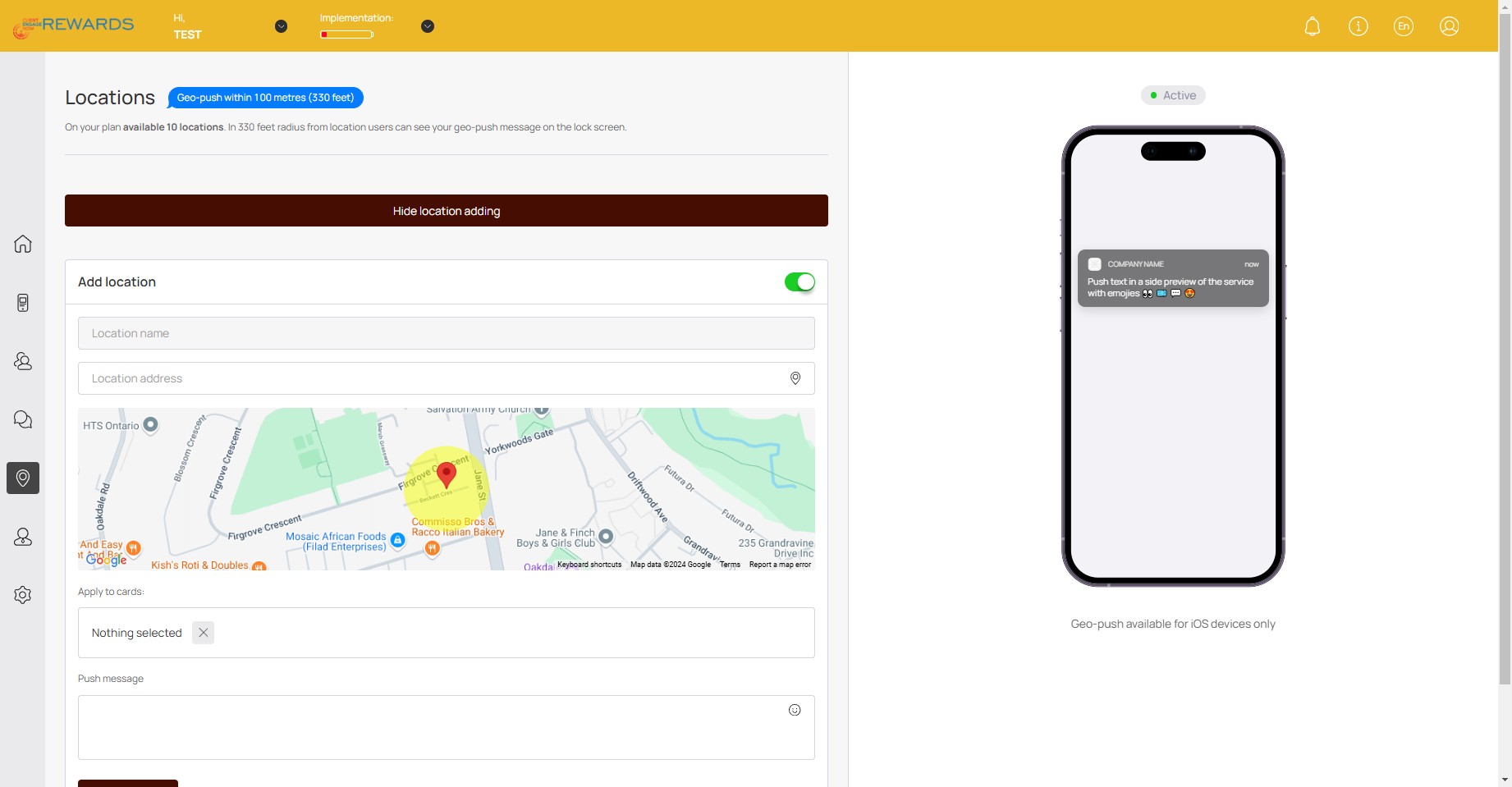
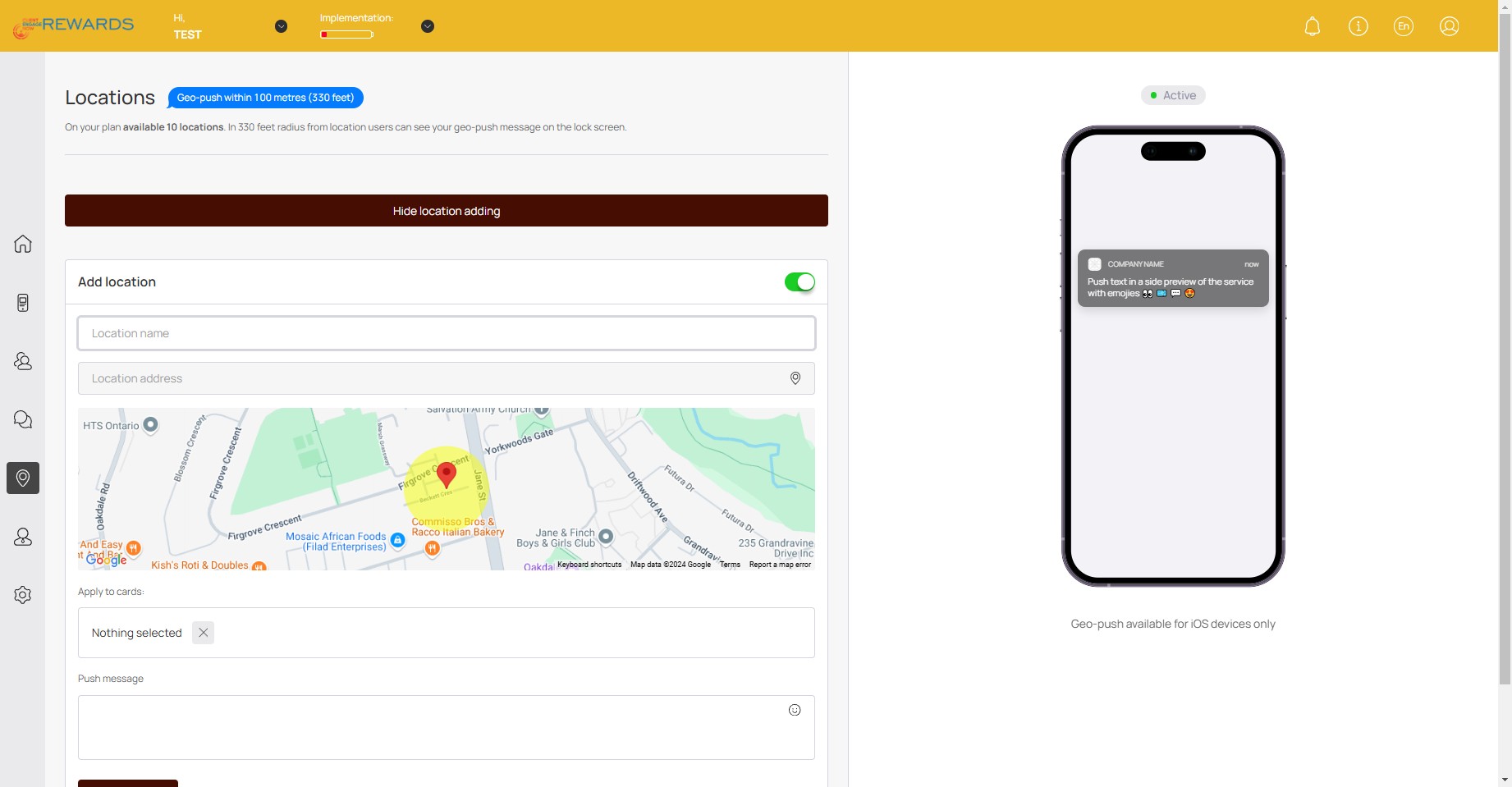
Click here to enter Location name
5
Click here to enter Location address
6
Click here to apply any active cards/loyalty programs
7
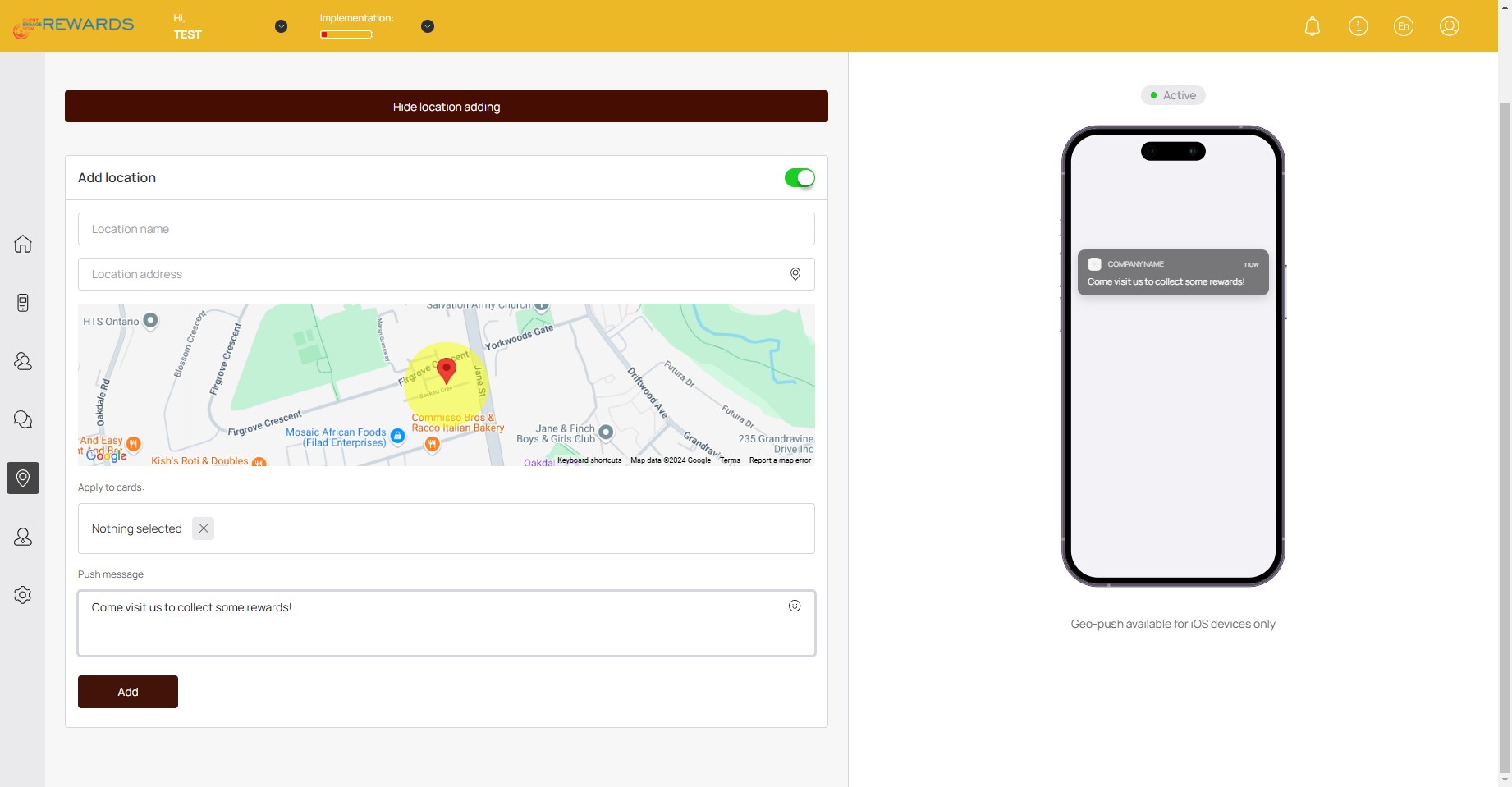
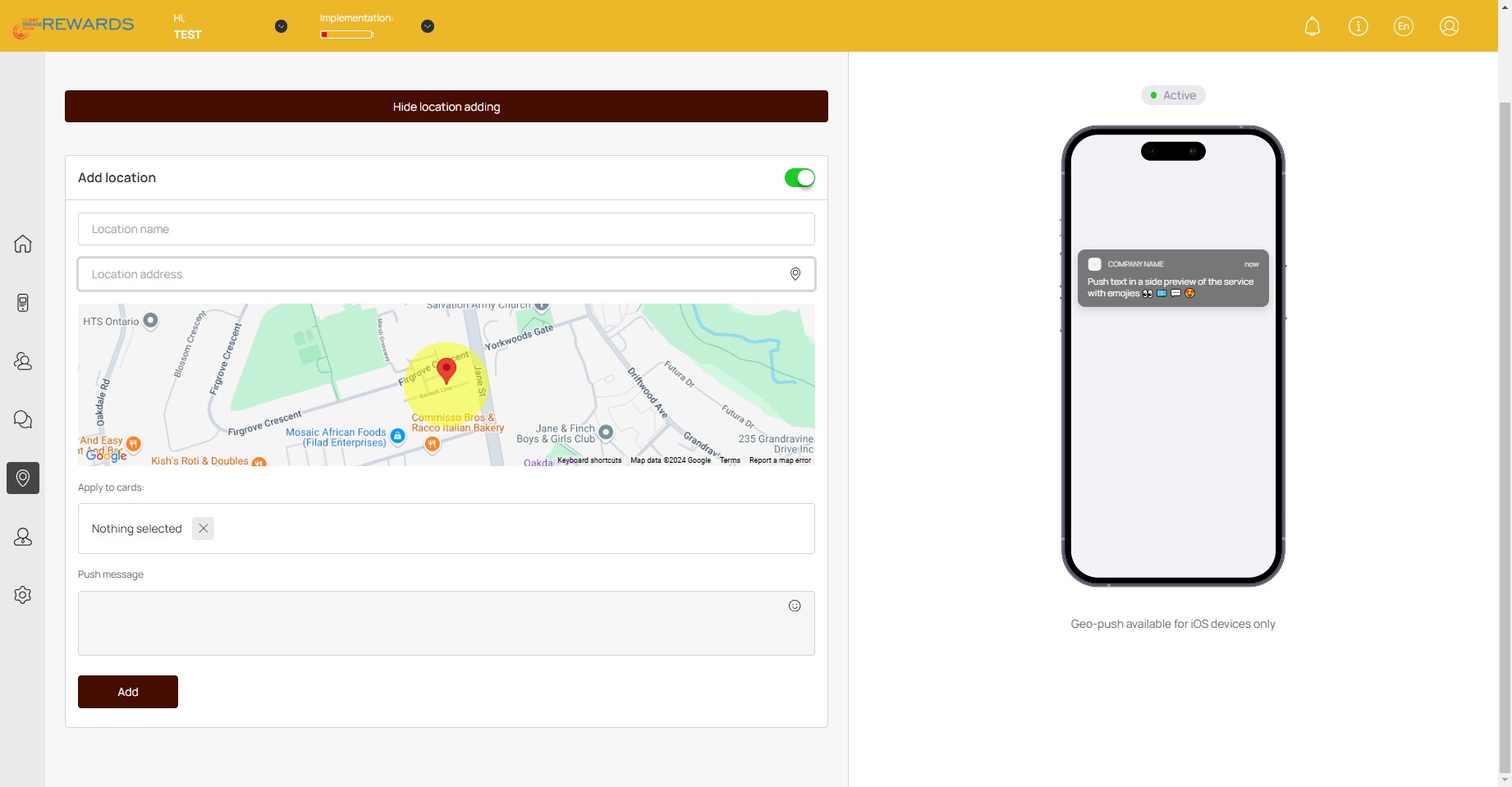
Click here and enter your push notification message: This notification will appear on customer's phones when they are nearby the location
8
Click on "Add"🚀