CEN Rewards: How to Manually Add Customers
Nov 05, 2024●
1
Navigate and log into https://rewards.clientengagenow.com/
2
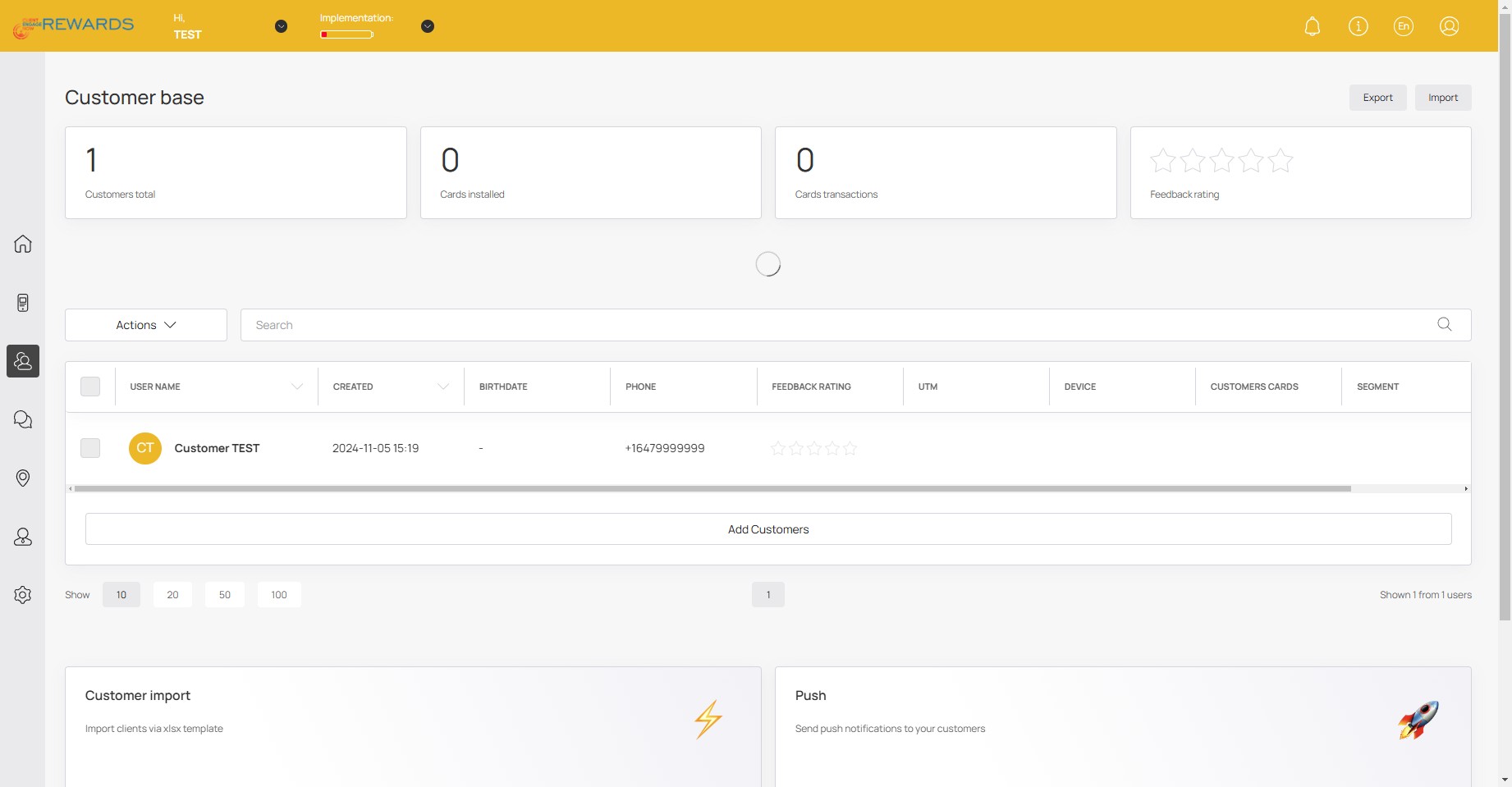
Click this icon
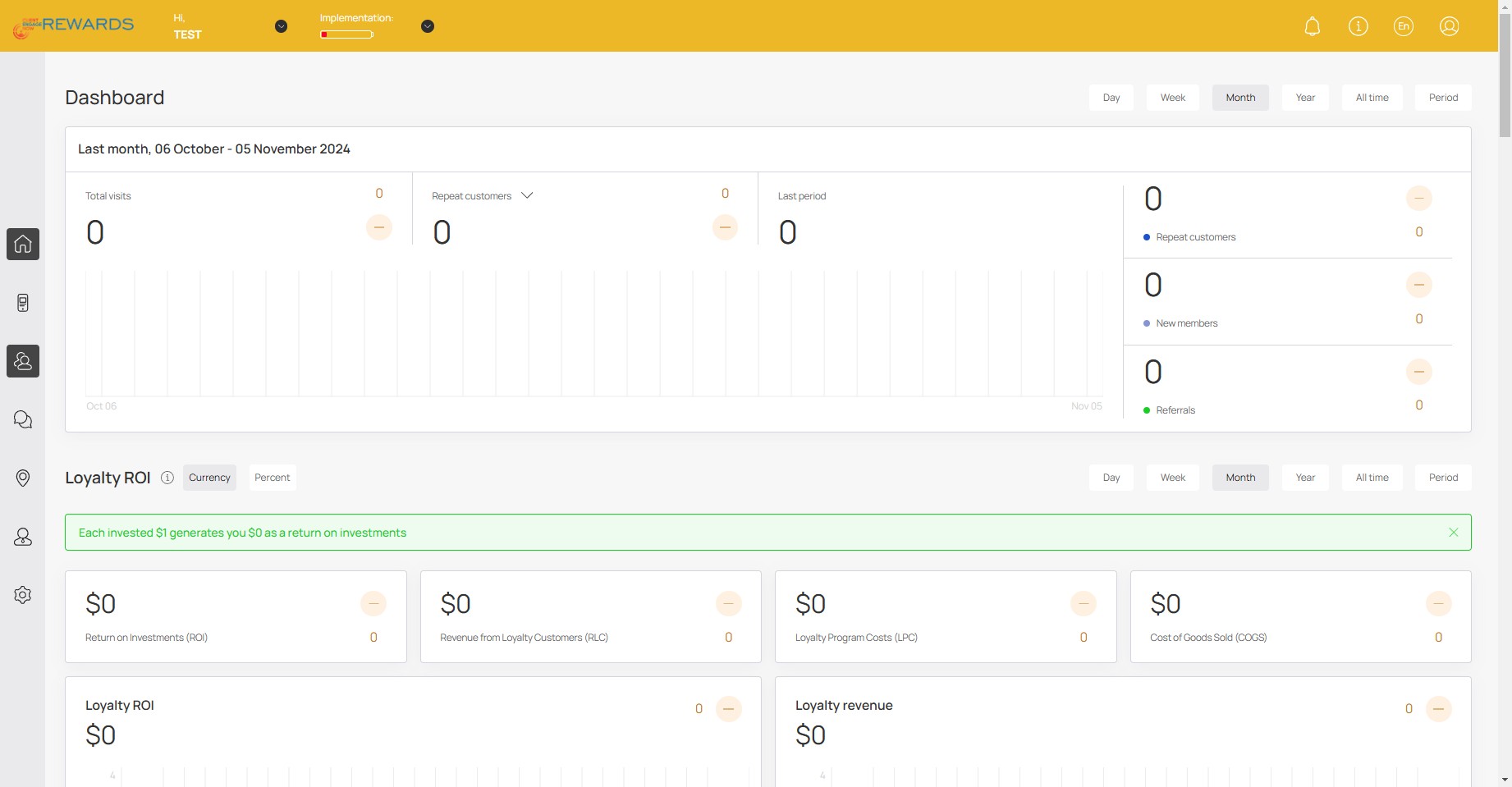
3
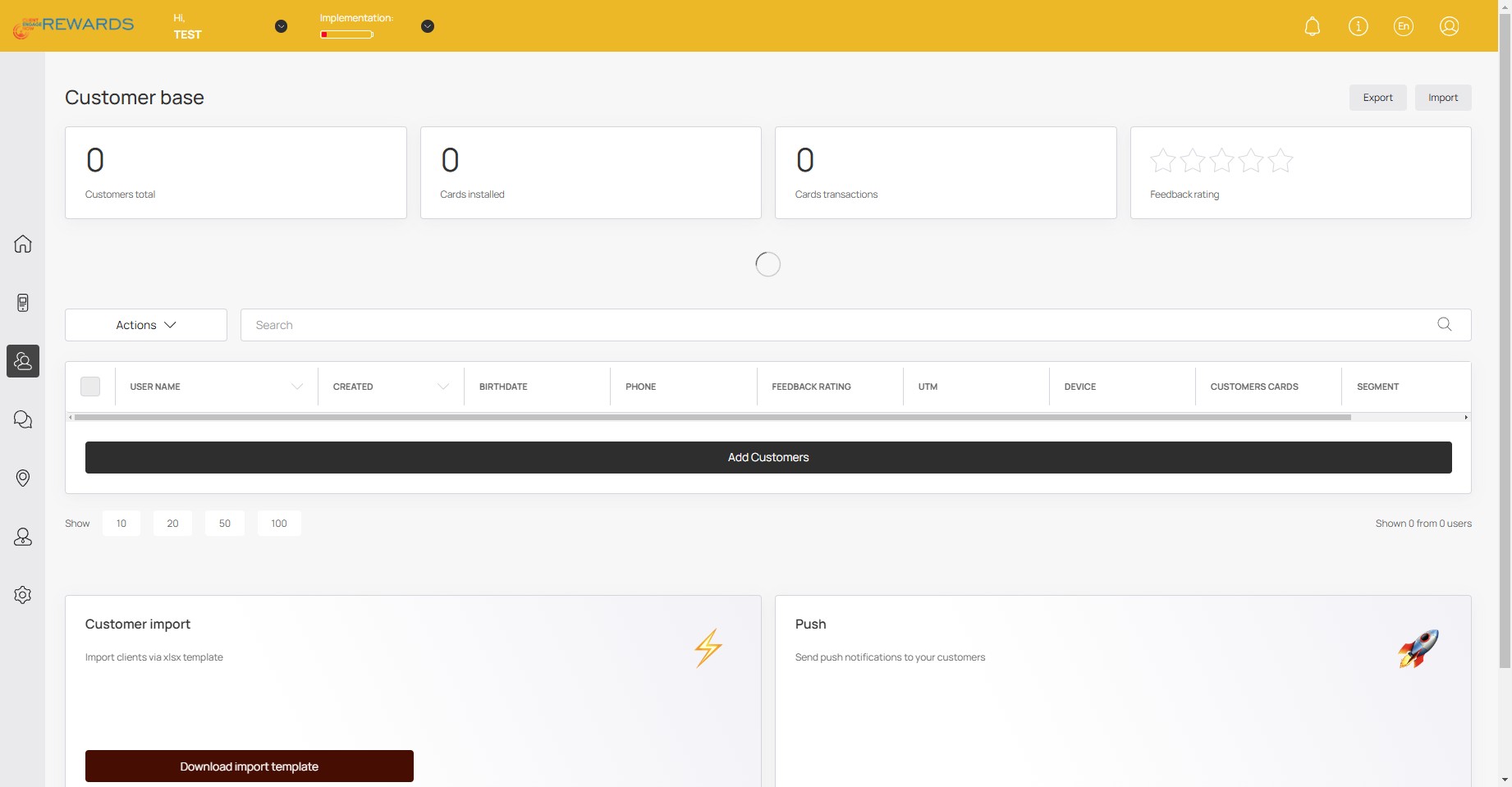
Click on "Add Customers"
4
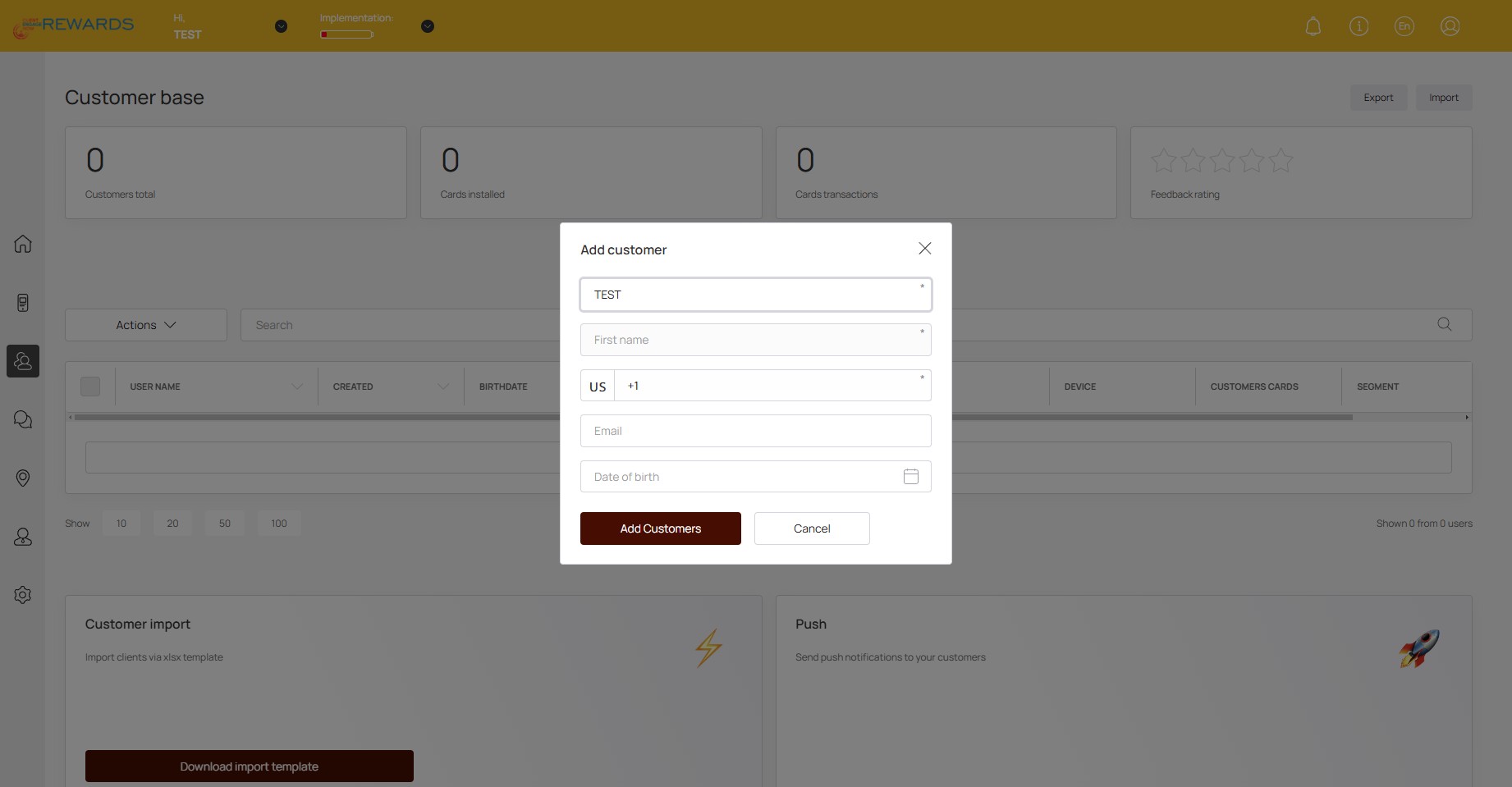
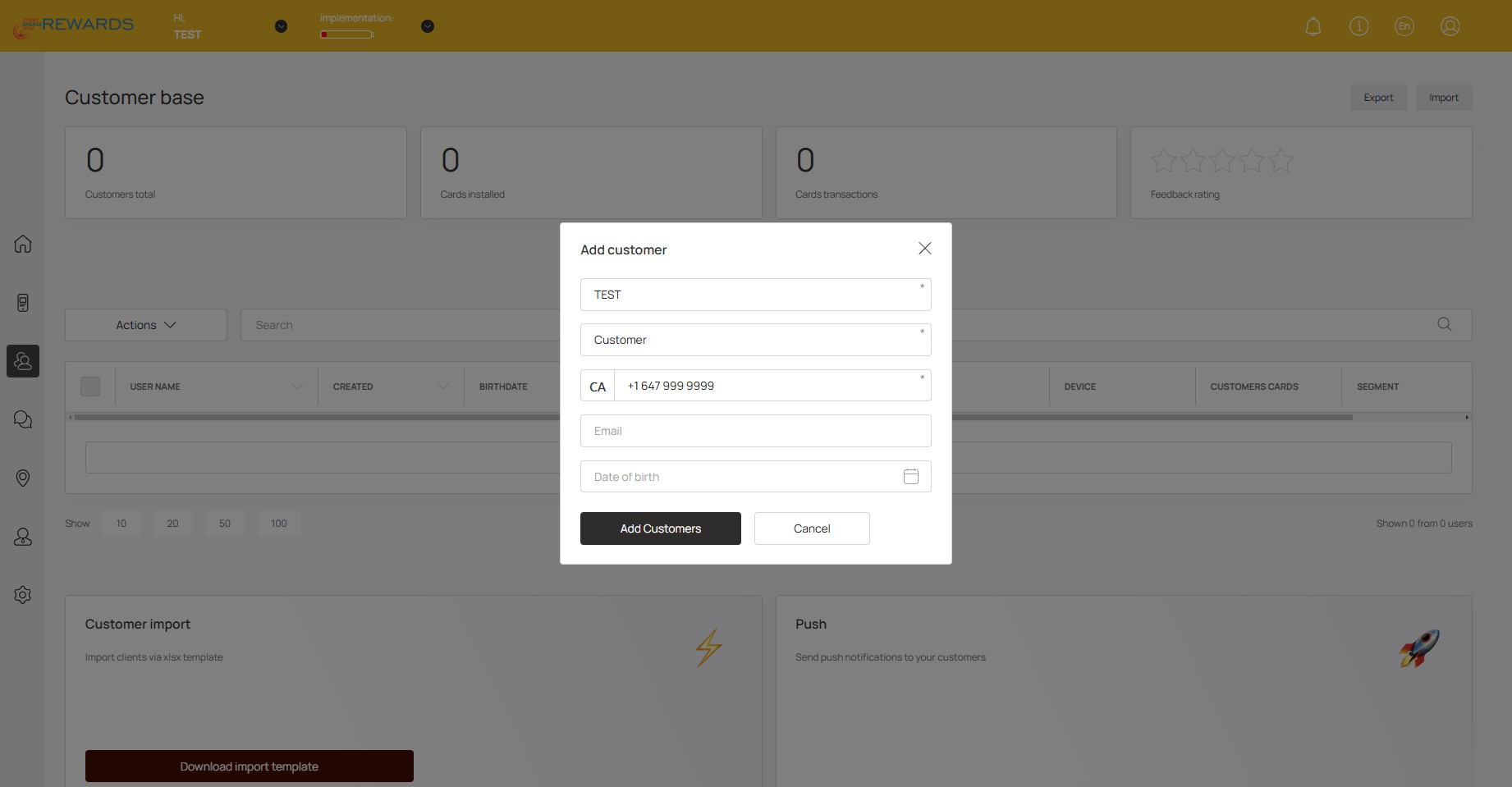
Click here to enter the customer's information
5
Click on "Add Customers"
6
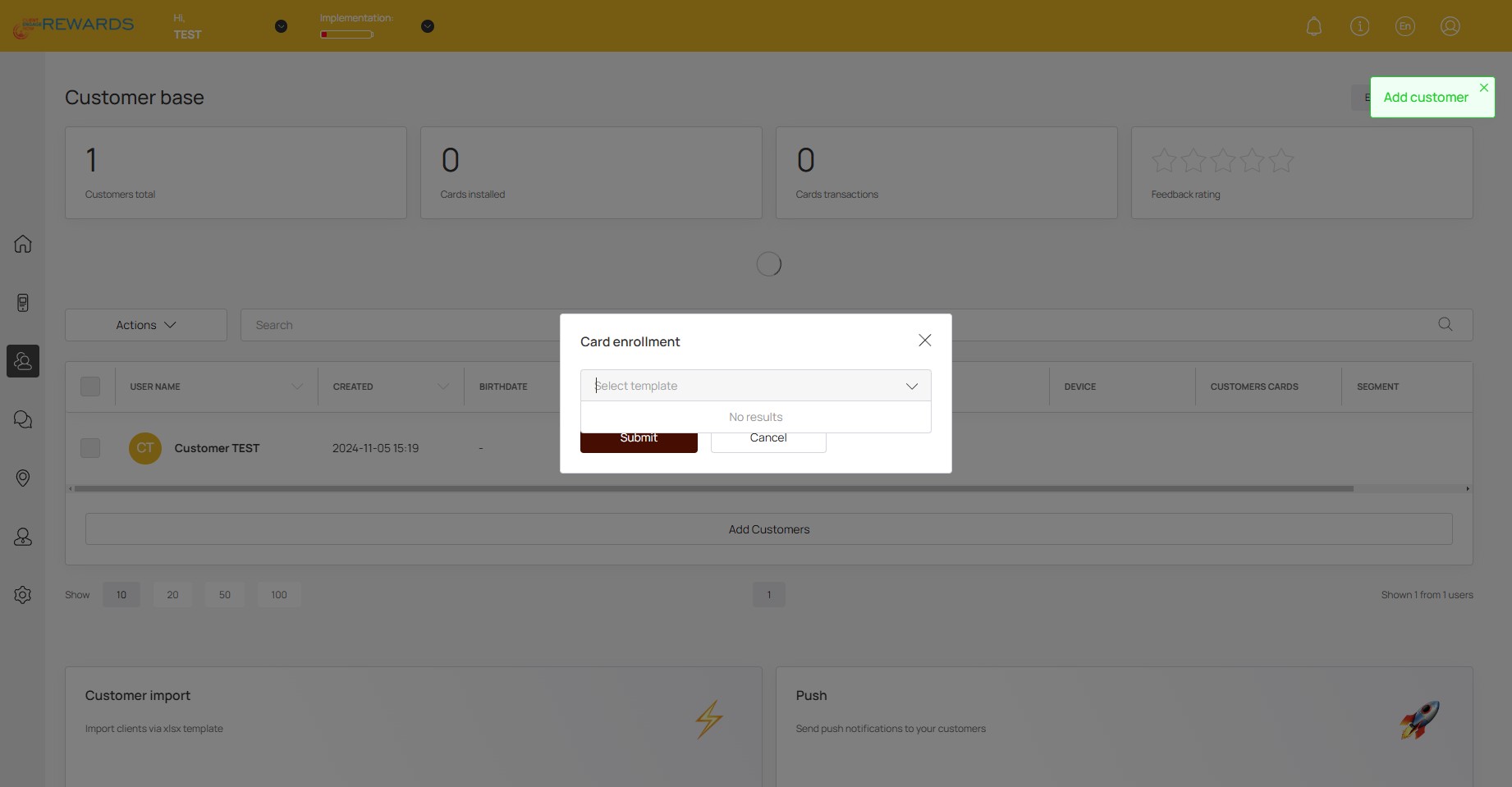
Here you can add the customer to any active card/loyalty programs you have
7
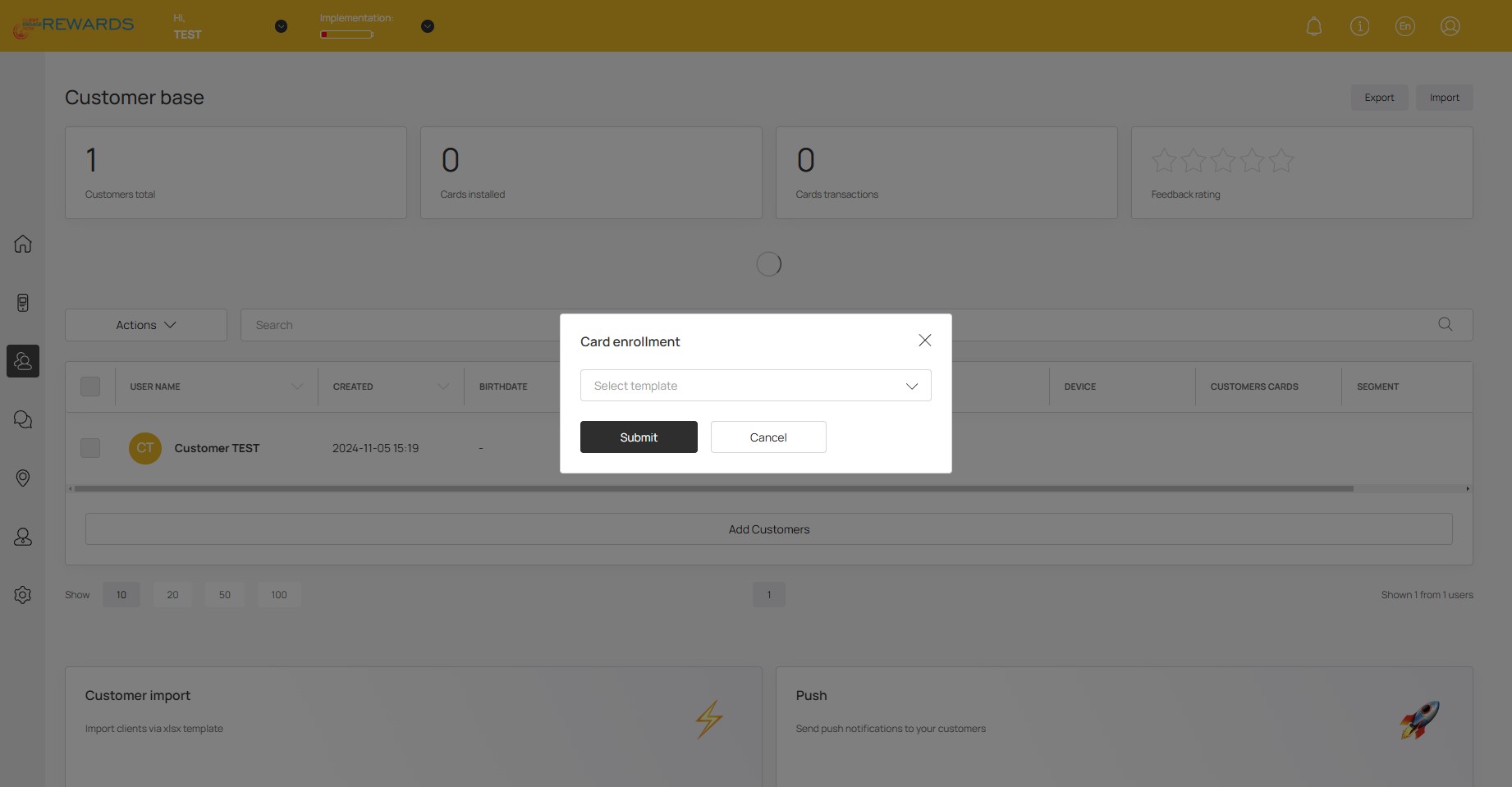
Click on "Submit"
8
Done 🚀